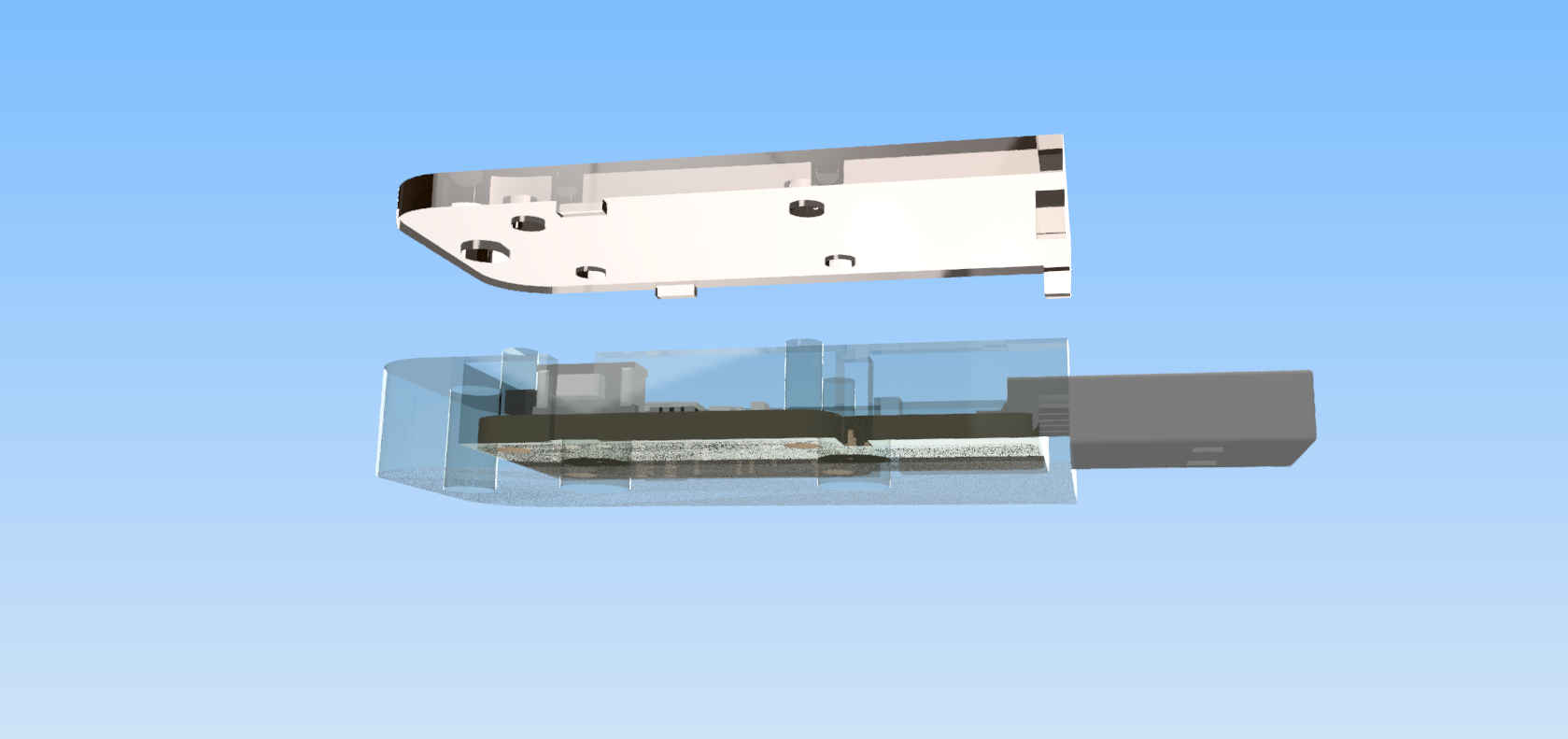
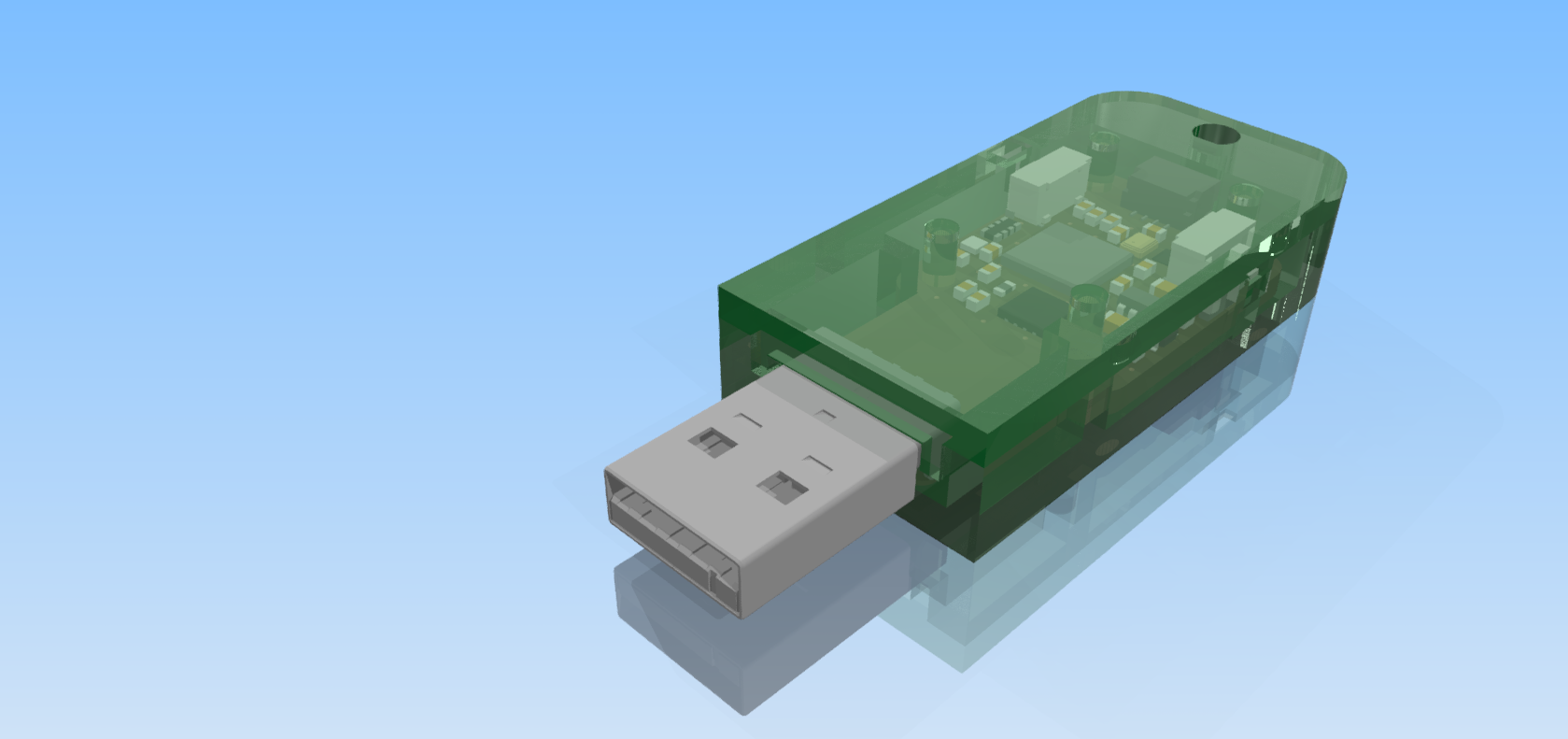
❄️☃️SparkleTilt FPGA Edition mini!!! accelerometer and led driver and fpga on it. Powered by a supercapacitor. Only 1.5" wide. Hopefully it works
Random 4 hour hack on one of my 20 receipt printers that I got for $5
Voice to receipt printer! Using a bunch of jank power supplies (I don't have the official power supply) and usb->serial adapters (I don't have the official USB version) and Python speech to text
👀First time ever I was topologically REQUIRED to use a net tie in pcb design. My PCB motor's coils are just technically one long wire, so it's all assigned one net. But, I need to explicitly connect the right power pins to the right /parts/ of the motor wire. So, I placed net ties on those specific parts of the motor footprint.
I ordered it! (using the remainder of my onboard grant finally, remind me to push files to the repo)
I played around with kimotor
I am so smart
Crimped a custom ribbon cable for chessbot moving axis
After hours of trying I have finally crimped a DuPont connector successfully
nevermind I realized I just reinvented a watchdog timer that's sot-23-5 and only 25 cents
Clever circuit time! I'm running a chain of I2C magnetometers and Neopixels. To set the address on the I2c magnetometers, I either need to use an I2C switch and connect to it one by one, or power them on one by one. For either case I would have to route more wires, which is hard given that my board is only 10mm wide (:eyes_shaking:). But! I'm already running a chain of individually addressable LEDs for my neopixels. So what if, instead of running another data signal, I just use whether or not my neopixel data is active to enable this subcircuit.
Both 0s and 1s on neopixels have some high time, so whenever I'm sending data to the pixels, the diode charges the capacitor! But the neopixel latch signal is fully low for 50uS, so I need to make sure that my circuit stays on for the several hundred microseconds when my last pixel is first being reset, then waiting for data. So, the resistor slowly discharges the capacitor, over a period of 100mS (to be very safe) for 63% discharge. Therefore, if the data line is low for more than 100mS, all my sensors will turn off. Then, by sending data to only the first few neopixels, I can turn the sensors on one by one!
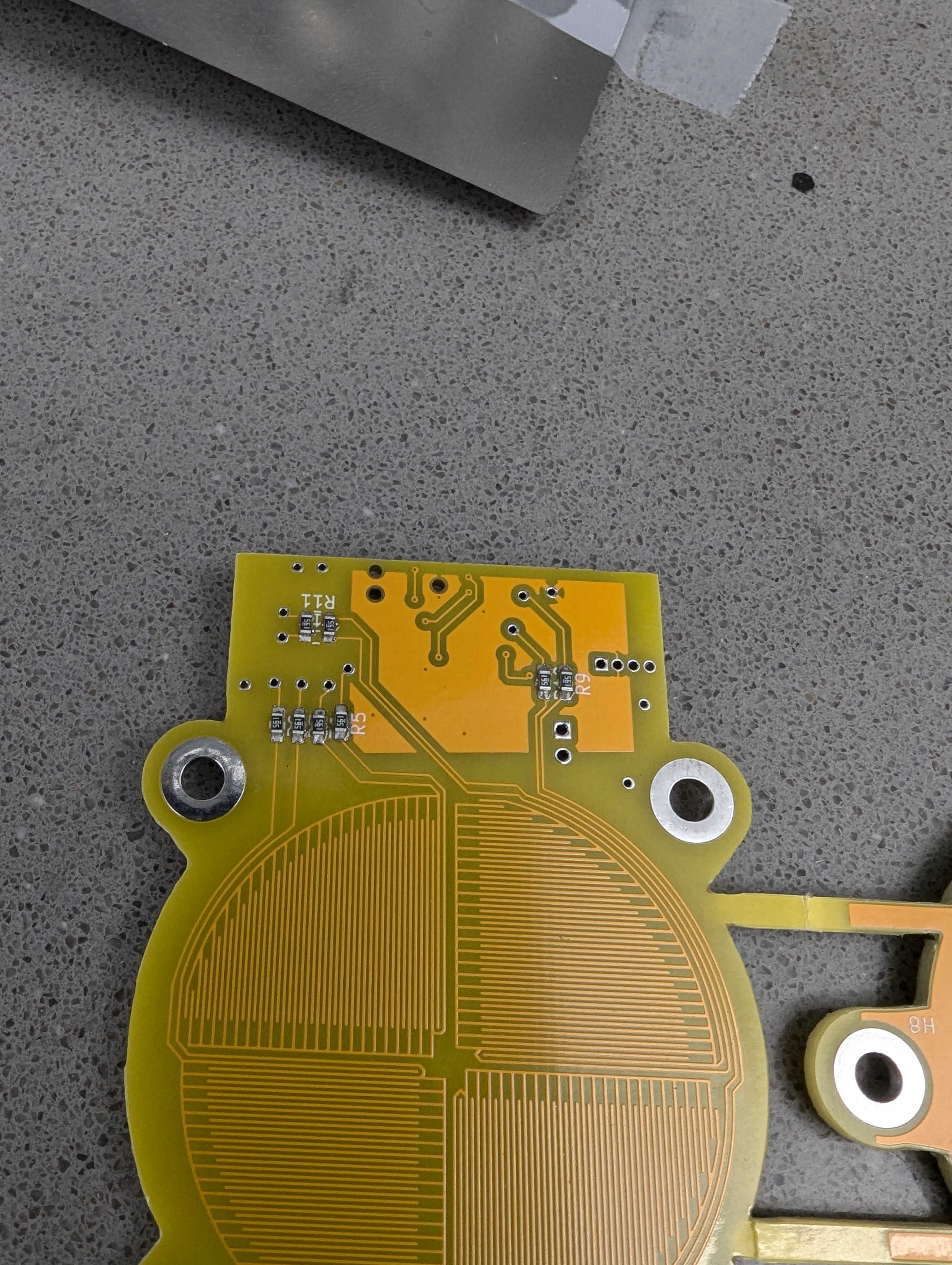
Chessbot's stepper component is now talking to the pathing component with the new pcb!! The only connection (other than the motors ofc) is the USB c power cable. So much more convenient to program than many other robots (over WiFi)Chessbot controlboard PCBs arrived from JLC today and I was able to assemble one enough to have one axis moving!!!
📦Finally edited my HackTX 2023 project video!! www.youtube.com/watch?v=O36_HwhB4es📹Also thanks to Rebecca and Hikari from JLCPCB I was able to get Chessbot's controlboard sponsored, and it's being manufactured!
Ran a game run with the now fully operational chessboard! And recorded magnetometer mqtt data and a video to send to my team member who's working on analysis of the raw data to get chess moves
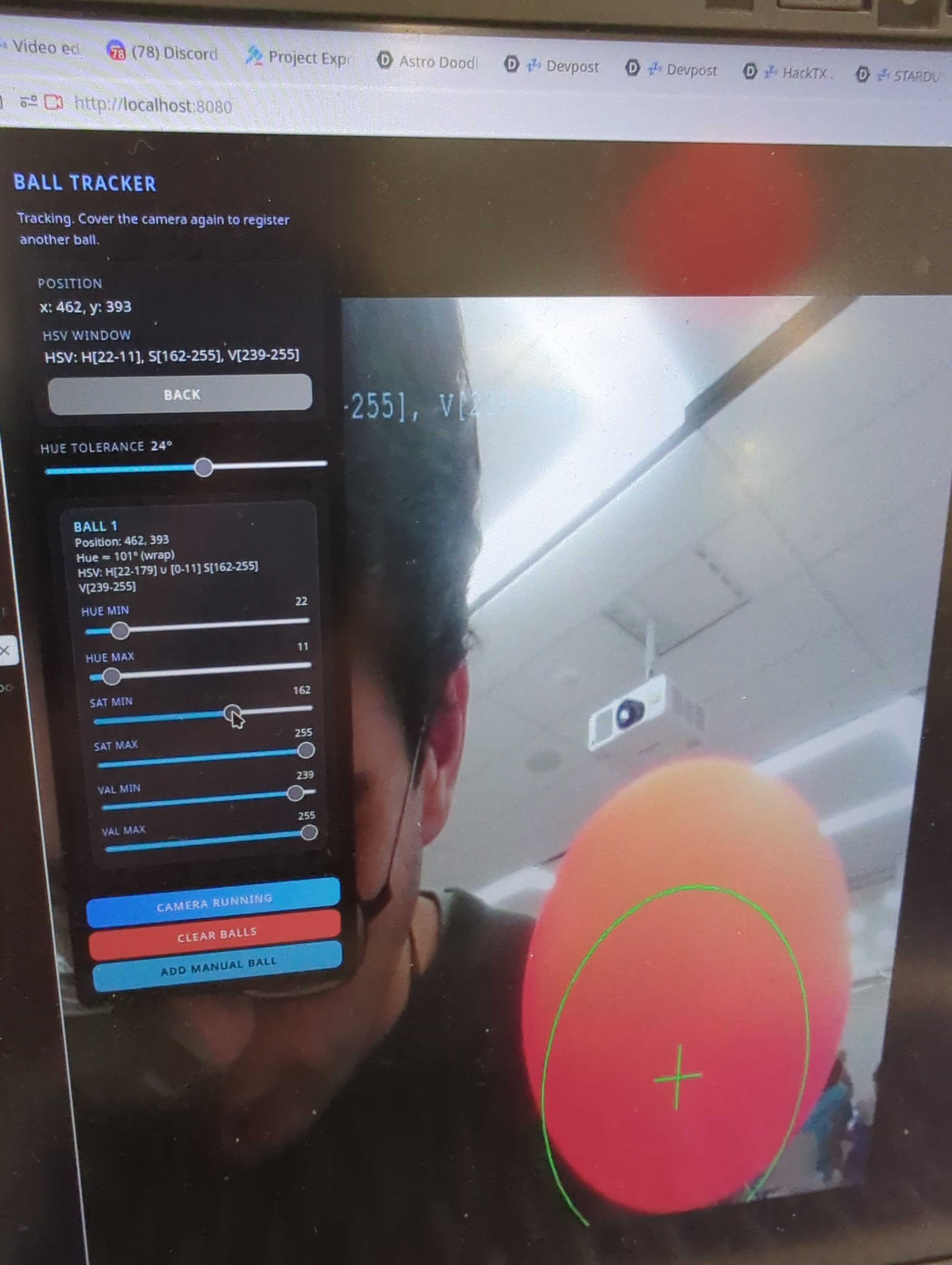
Also hypertuned the shove and travel on my vexai robot to be smooth. And aforementioned laser distance sensors are being used for a position sync at the end allowing for perfect positioning between loops. This bot has no smarts so let's hope the opponents don't decide to play defense.🤖After a lot of research I bought 1 lb of solder yesterday, hoping it lasts for >10 years
🔬Just realized I never shared the chessbot controlboard renders here. I also reached out to my JLCPCB contact to potentially get this board sponsored
Using distance sensors as 2-point LIDAR for localizing my vexai robot. Our other robot has a real spinny LIDAR, but this one's simple
🤖Last night got Chessbot controlboard done mostly!!! Just need to fix errors now!
I wrote an architecture for Chessbot's software, and my friend (@[email protected]) made a pretty diagram for it. The topics use mqtt to communicate between seperate programs
Made more chessboard progress todayMore robotics!
Vex U robotics worlds!!!
So much robotics this weekChessbot can now follow a lichess game!Chessbot motion system fully integrated and dragging pieces on TuesdayMade a little matplotlib visualization for Chessbot's chessboard magnetometer areayNeopixel header works!!!MAJOR CHESSBOT UPDATE!!! We have movement!!
Chessbot control board PCB Concept (trying to make it pi zero sized) This'll be a really tall stack tho
Made a little bit of progress on chessbot's proto-control-board as a raspberry pi shield, you can power the pi directly from the screw terminal now, everything else is still disconnected though. If our whole control package ends up this size (hopefully even smaller) I will be fairly happy
👀Learning NextJS API Routes for #onboard gerber.zip
Received my hcb card and tbh this reeeealy does not seem safe
Assembled one chessboard segment (one row) yesterday
Electrical engineering 🤓.
Got one of the magnetometers for Chessbot reading data on Monday! Also, APPARENTLY WE (the ECE dept) HAVE A REFLOW OVEN LIKE A PROFESSIONAL KIND OMGOMGOMGOMGOMG THIS WAS MY REACTION I LITERALLY JUMPED WHEN I SAW IT. Next side quest is to get trained to use it
I got a 1200 watt buck boost converter for formulahacks and #trident
routing 😭
it should be illegal to remap ctrl+f to something else (in this case flip layers) when find is actually a meaningful function here
I learned how to send grants on HCB thanks to @sarthak
tried to install linuxcnc on a pi 3b yesterday and today but can't figure out how to get a real time kernel working properly. The official images are only for a pi 4 and 5 (like whotf even has a 5 its so new) and it's a nightmare so I tried installing regular raspbian 3 times but I kept getting the wrong versions (12 64bit, 12 32bit, 10 w/ kernel 5.4) and it kept dying. My next move is to try the kstepper kernel module to just step without any of the fancy cnc logic.
I was playing around with this old ender 3 motherboard but couldn't get it to do stuff, but Jake got an Arduino mega with a shield running Marlin. Other than that I looked around for libraries for my tmag5273 magnetometer and tbh might just write my own because we need a very small subset of features, but while being very very efficient
More Chessbot! Looking at how practical a physical magnet would be as the dragging piece if attached to a servospent a lot of time working on robotics hardware and software github.com/VEXU-GHOST/VEXU_GHOST/pull/44
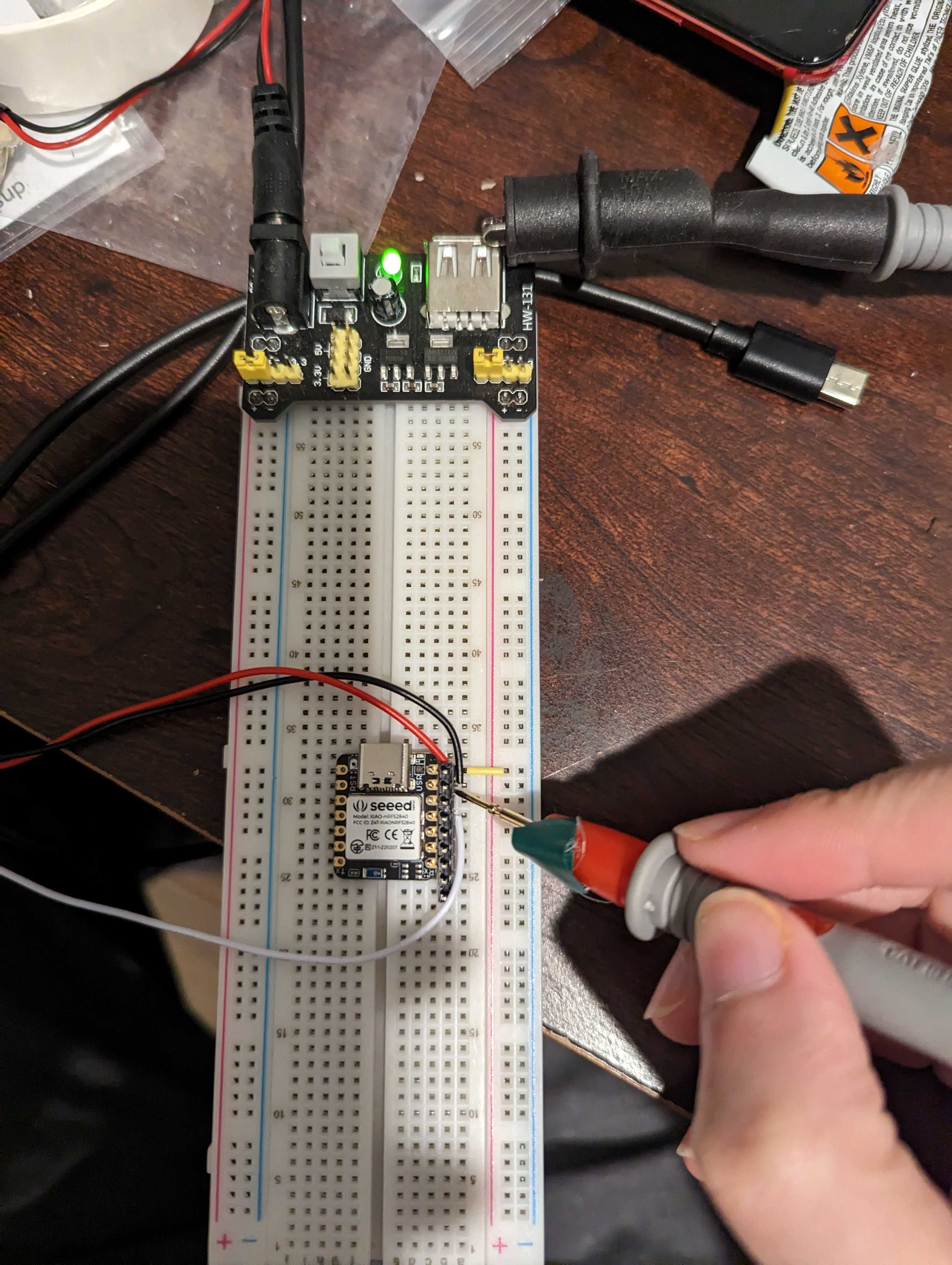
I captured the first waveform on my new oscilloscope!!! This is from my pocket PCB piano (prev. musical keyboard) speaker output. Effectively the output of a 555 timer!!! So exciting!!
🎹ITS ON Todo, see if I can actually get a signal5cm3cmInsanitygot scopes 👀
Chessboard v2 is finished! This PCB sensor array is a single row that can be daisy chained, which makes things a lot cheaper. Going to get this ordered soon
Cases printed!
I got mad at Linux so doing a little hardware now. My first fully-from-scratch 3d model since I got my new printer, so pretty excited
💖Musical Keyboard v2 is here! Enjoy cheaper production, lighter weight, daisy chaining support, and some really cool (and other really gross) microscope shots!
Spent like 4 hours debugging drivers, cuz apparently 2 of the drivers had some weird ground or capacitance issue where vref (for current limit) only worked when I had my finger (or multimeter probes :angry-dino: near it). So the motor didn't move unless I had my finger near the board.
Ended up fixing it by switching to a 3rd driver which was apparently just fine?????chessbot ESP32-DevKitC-v4 clone w/ Pololu DRV8834 motor drivers. Goal was to find out how well it runs at 5v (as opposed to 12v) (so I can simplify circuitry by having only one voltage rail). Answer was sufficiently well. Should be able to cross the board round trip in ~8seconds (ignore the video numbers)👀its coming together!!!!!!!!
pure, unfettered insanity
woah I learned how to use the place footprint in matrix kicad plugin today this is so cool and fast and easy ❤️
LETS GOOOOO REAL CODING AFTER SO LONG I MADE A THING DO A THING. (an updating comment bot to help me review GH PRs) back to the basics, scripting to automate my work
woah my schematic document is "advanced"
I love Google
Head reffed an (unofficial) VRC tournament today, quite an experience and definitely a very very interesting perspective on how hard it isDid the Vex Robotics head ref exam, although can't officially be a head ref because I'm under 20, I'm reffing at an intra-district practice competition tmrw
Did work work and restored my music server after my old server died
Shipped Hot Dog and the Outernet Hot Dogumentary! youtu.be/oOEWn-E6v-w, one of my main #100-days goals
Finally got video encoding working on kdenlive!!! Idk how, but I'm so excited to be able to edit fast
+ :leeks:
I melted my favorite ruler running tests for #trident 😭
working and studying today
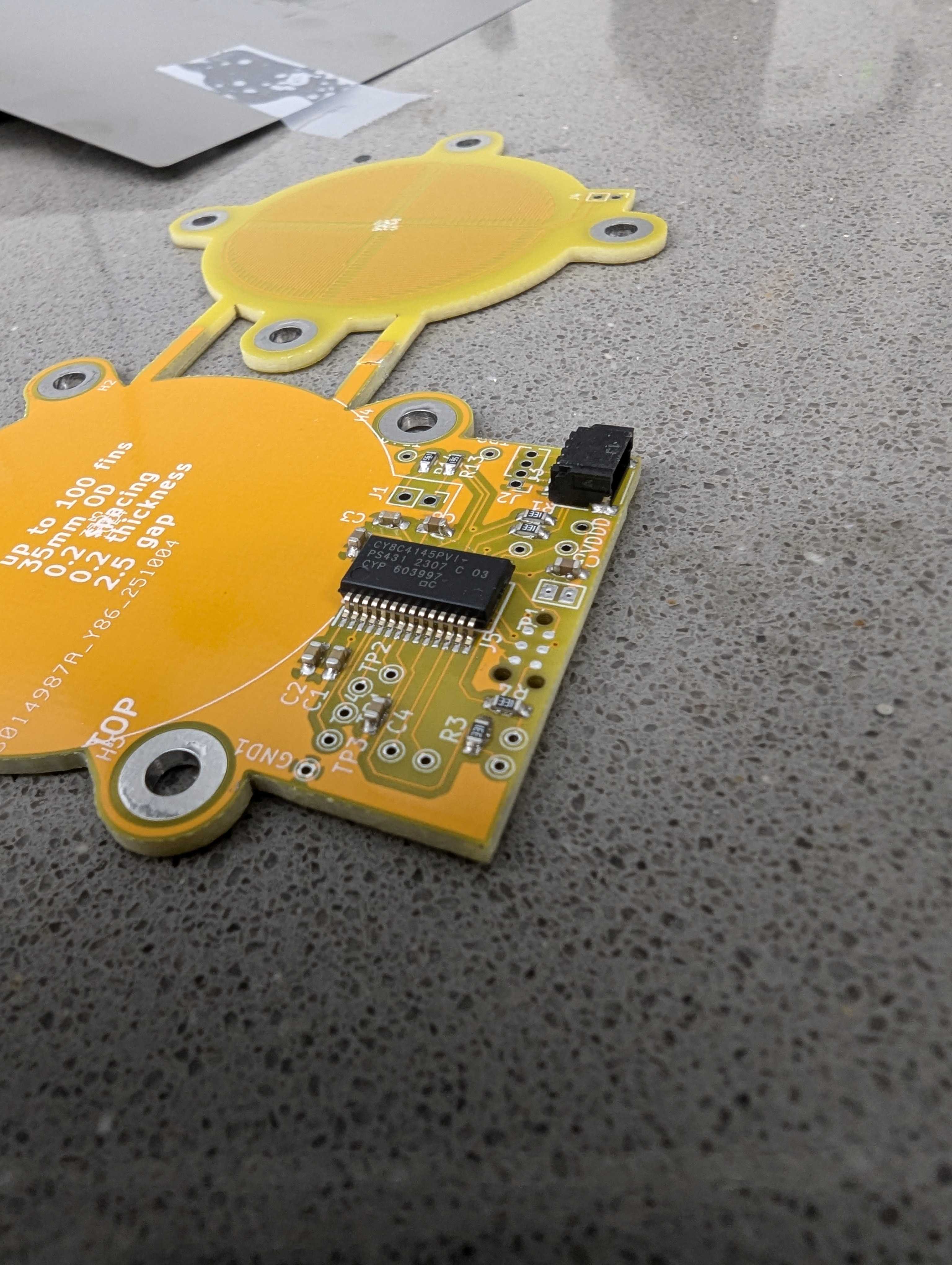
💖3 0603 capacitors on 1 pad, to test out tuning the touch sensor
I finally got my #onboard keyboard under $50 (there's a $9 coupon) so it can be a jam!!! 🎹
Printed a new case to make my TOTkey keychainable
My 3d printer arrived!!!!!!!!!! Literally sooooo excited
📦Guys ISTG I was going to sleep at a reasonable 11pm but now it's suddenly 1am and IDK what happened I have another fire hazard PCB on my hands. I assembled my COTS flyback generator board from Amazon more vlogs here: youtu.be/gE-u74lq6d8💤I think I finished my scariest #100-days goal with these two ntfy PRs. Still need review and cleanup, but I'm so so so so excited! It was at the top of my TODO list for literal weeks cuz I tried different architectures and everything just seemed kinda sucky so I procrastinated, now I'm at a compromise that I can settle for. Hopefully binwiederhier likes it too
Don't have interesting pictures because I probably shouldn't share proprietary designs but my first time extensively using Altium Designer for my internship at jcore.io which started yesterday
Playing with my keyboard Onboard instead of studying discrete math. This is me and a friend who's very good at playing.My musical keyboard arrived! 🎹
More vex robotics, running tournament manager this time
scrapbook should not bug
After finishing my research paper I can finally work on the ntfy bugfix again!
Electronic Piano PCB ordered! Jam coming soon™. The gold/silver/circular pads are surfaces connected to capacitive touch sensors (they detect your finger by how it forms a capacitor with the circuit). I have different layers on those to experiment with which finish works best for touch detection in this design. But whenever each key detects touch, it allows the capacitor of the 555 timer (a frequency generator) to be charged at a rate determined by the variable resistor for that key (the potentiometers are at the top). Those potentiometers can be tuned to allow for different frequencies for each key. Then, the 555 timer outputs a signal into the speaker circuit, which you can then hear!
What are your cool name ideas for this PCB? The best suggestion gets to be the jam title!
🎹slowly coming along - slower than expected, but should order early tmrw
emailssssss
This is a 555 timer driven speaker, and the RC on the 555 timer charges up at different rates (the Timer label) based on which 'key' is connected. The keys are the individual boxes, each of which has a capacitive touch sensor IC that connects its potentiometer to the 555 timer label, which then charges up the RC based on the potentiometer value (the speed of charging changes the frequency). Basically a capacitive keyboard.
getting started with android development for the first time in well over a half dozen months (I don't think anyone says that, but it's funny)
Not sure what to use for the scrapbook photo but MC'd a vex robotics tournament (message for scrapbook)
Too much money but oh well hopefully I get that apple experience that everyone says bambu offers
finally compiled a bambu studio for NixOS and got 3d printer trained
💖This is what the picture sounds like📻Did SSTV today📻Dunno what picture to put but I checked into my first ham radio net today (N5OAK) along with others from N5XU
I listened to the weather station using my HackRF today
💖Needs more inspection and sanding but the antenna looks intact
That's a comedic feature not a bug
🐛Worked on THE BOX #time-capsule, need better name ideas for the time capsule than Treasury of Hackers' Exhibits Bridging Out-of-the-box eXperiences, need help with art
Whoaaaaa @rivques put my name in the startup sequence of the TOTkey they sent me :ultrafastparrot:
(their onboard project)Waterarms on campus 😳We're back!!!!
MD Tables in Jams!!!
$14.09 from university auctions, need ideas for what to do with those
Taking apart a fan to try to backdrive LEDs from its rotation step 1(literally) got my hands dirty after a long time with a disassembled motor and a crappy electromagnetUsing ROS2's multi device communication to send Intel realsense camera data from a Jetson nano to my laptop🤖I was wondering why electrical systems have 3 sinusoidal phases and why generators are typically built with 3:4 coils:magnets. So, I graphed the magnetic field strength at various phases to find out: www.desmos.com/calculator/buqj2pdezs
👍I invented a revolutionary new technology called SafeMag to make wireless charging better for free, AMA
😆I made a thermostat circuit with hysteresis (i.e. dead zone, it'll keep cooling to a lower temperature, and only turn on when rising at a higher temp to prevent rapid cycling) and simulated it in KiCAD's ngspice!!!
Using a 555 instead of just an JK Latch because the rest of my circuit uses it. Now let's see if I can replace the Comparators w/ 555s too.
With the release of this video I can officially say I'm fully done with (the hardware of) my first #onboard PCB: www.youtube.com/watch?v=px2V8bZMeLI
It's done!!!👍Gee, I wonder why my USB interface is not working
The core concept works!Angle measurement and USB coming soon #onboardManually recovering each file of my website since Jun '22 from my broken disk image is so fun. Ripgrep is 🔥 though.
I like that Go Replace actually works unlike yarn link
Finalizing my workshop
and to procrastinate finalizing my workshop I'm making paper 1:1 (2D) mockups for my TOTP device
Yeah these are easily the 4 hardest to route. Thankfully it's just RESET not a signal or power trace so it can be super thin and jump around a bunch.
Yay I installed NixOS on an Orange Pi Zero with an Allwinner H2+ (armv7l). Embedding the bootloader in the SD Card image was kinda complicated, but cross compilation simplified things. Here's my flake: gist.github.com/karmanyaahm/5dc741b52dfbf6cbcb32da2fc90a31e3
im sooooo close to finishing my #onboard project
Trying to get an orange pi running
cuz I obviously had to flip DIN and DOUT in kicad
Ok I spent 5 hours last night trying to figure this out, but what worked was just sleeping. I woke up a Eureka moment regarding this power ORing design.
So, I have a battery (say +3V min) and USB (+5V). I want to drive VDrive from the USB when it's connected, else the battery. img1 is what Unexpected Maker's feather s3 does. img2 is the most basic ORing design.
img2 will mix the two inputs in the right way because the battery has a lower potential. The BATT Diode has one job: Protect the battery from charging directly through USB. Then, because the battery has a lower potential, the battery won't push current. i.e. when USB is plugged in and VDrive is 4V (assume diode voltage drop of 1V), because the Cathode of the diode is more positive than the Anode, VDrive is 4V & BATT is 3V. So, no current will flow from BATT to VDrive.
When USB is unplugged, pretend that half of the circuit doesn't exist and BATT powers VDrive. However, Vdrive will be at 2V, because the diode drops some voltage from BATT.
Now, why is img1 better? it seems more complicated. But, the trick is that instead of a fixed voltage drop, turning the MOSFET on causes the drop to be ~100 mOhms. At 1A, that is a .1V drop - significantly better than the diode - not only does it save energy, it allows you to use the battery down to a lower voltage.
There are 3 states to this MOSFET arrangement:
1. VUSB is 5V, VBAT is 4V. G > S. Transistor does not conduct. Additionally, since S > D, no potential gets applied backwards onto the battery.
2. VUSB is 0V, VBAT (D) is 4V. G = S = 0. Now, since S < D, current can flow across the body diode. This brings S up to 3V.
3. Now - S = 3V, G = 0V, G < S and the MOSFET is enabled.
4. If VUSB is enabled again now, go back to step 1.
None of this probably makes any sense but I should clean it up and write a blog post.
me debugging yaml
PCBing
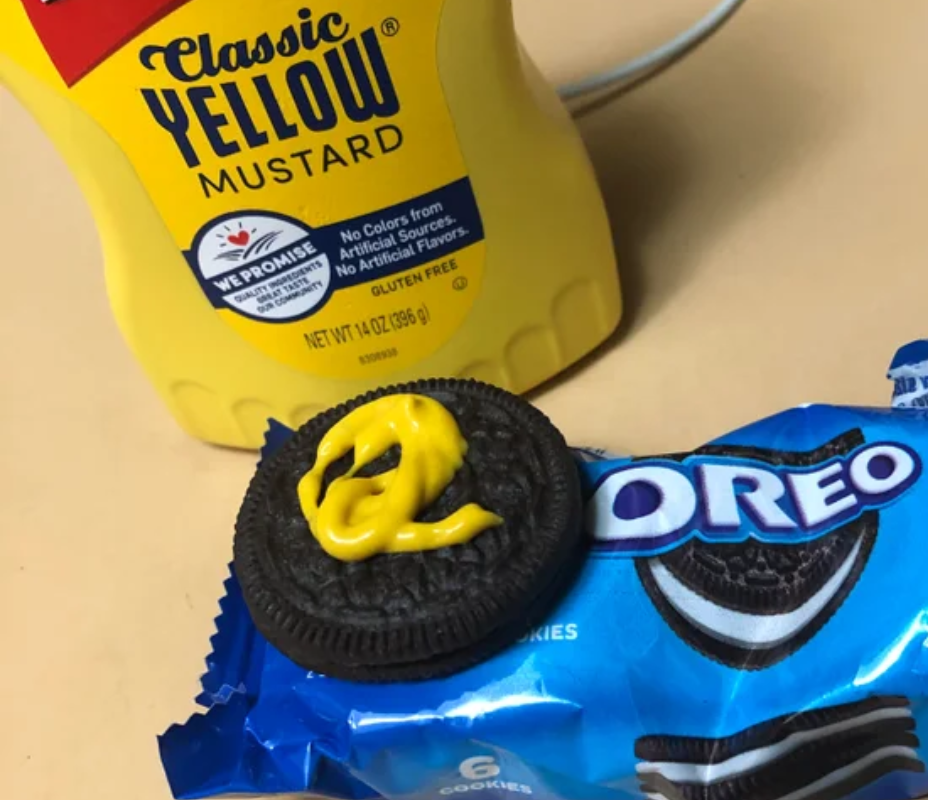
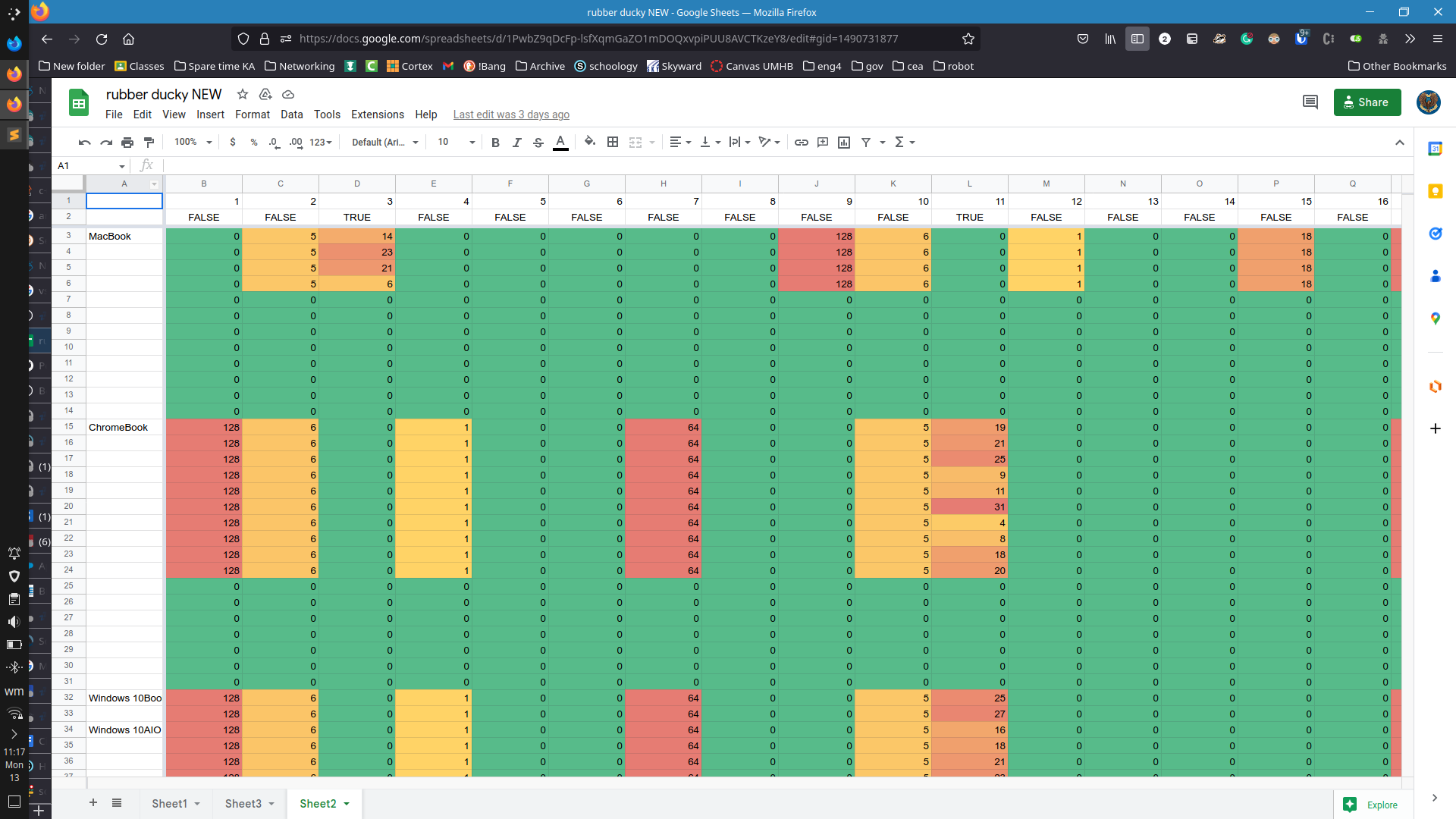
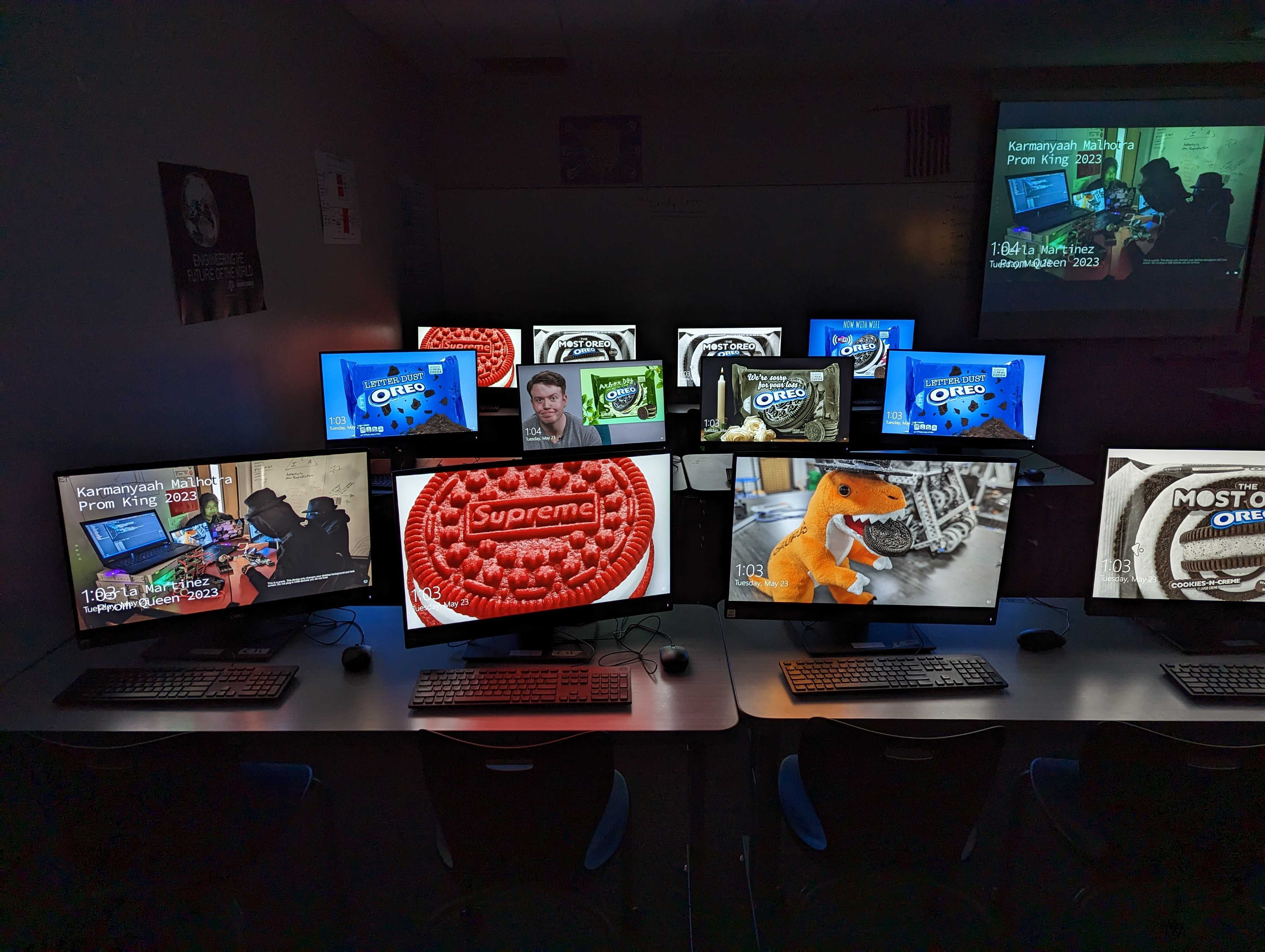
Day 99? of Winter Hardware Wonderland - Project Oreo Custom Rubber Ducky
I left a parting gift for my CS teacher. Next year 1st pd CS will find this beauty.
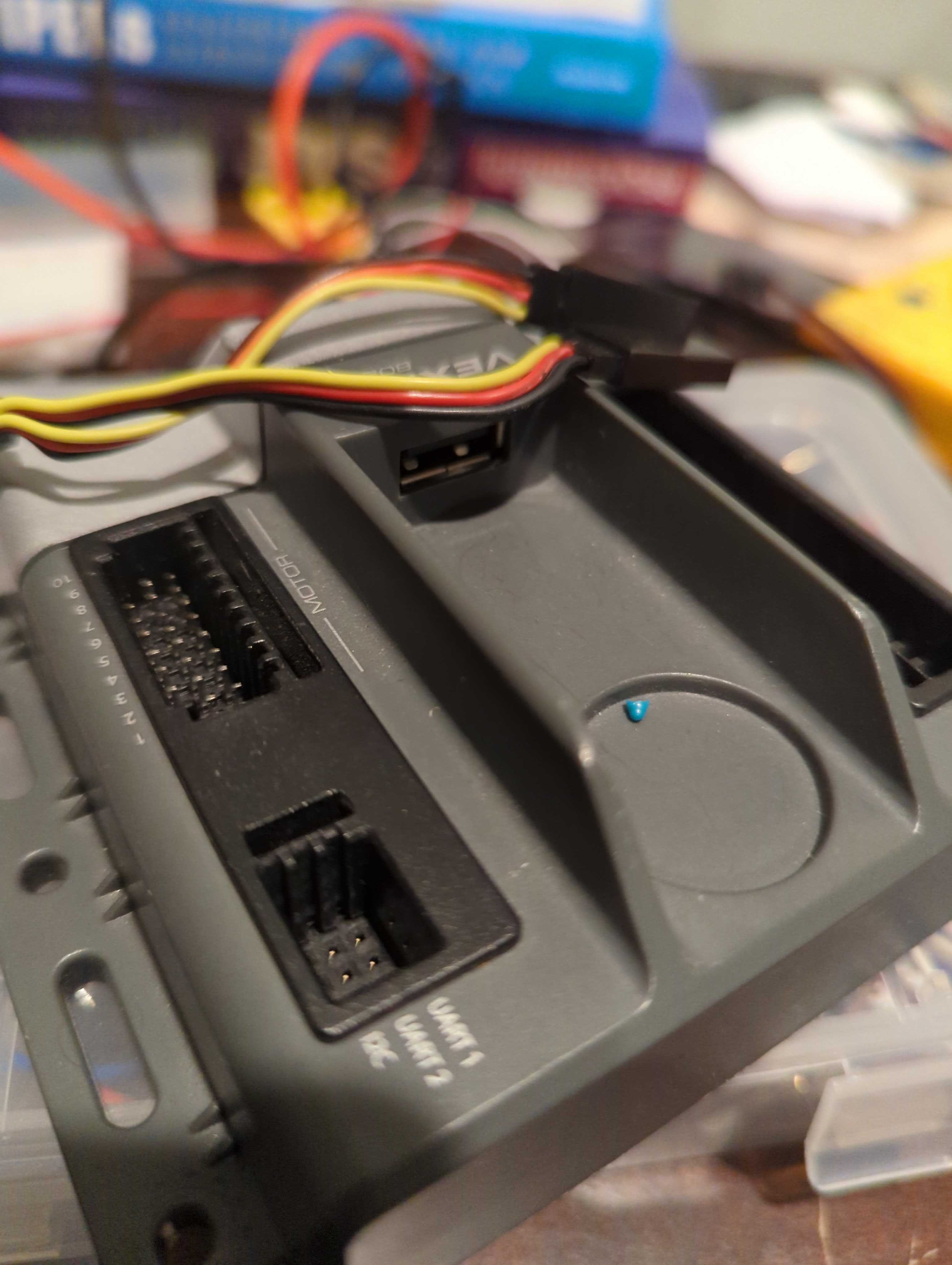
Soldering male connectors to the headers on an Arduino Nano (We have to get Mr. Robot done next week and don't have time to order proper jumpers 🙃)
Restoring Mr Robot with Vex Cortex and ROBOTC milestone (with @Jaxzog)! The master brain is now talking to the follower and successfully sending values over UART!🧠🤖Visiting UT Austin!
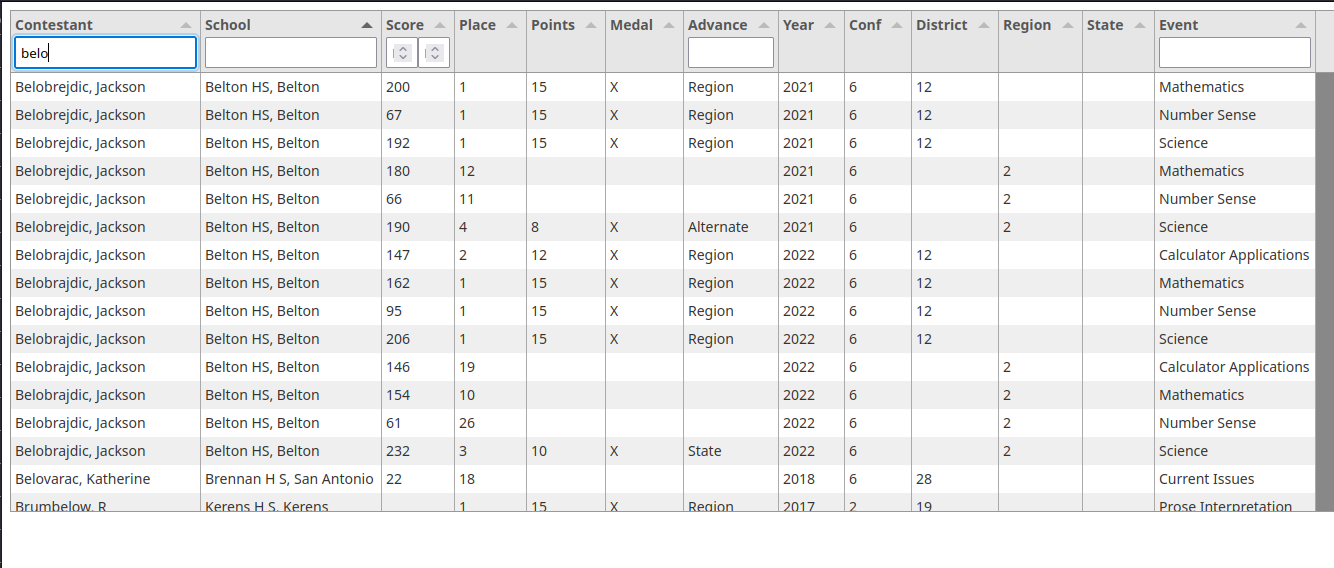
I wastedspent my whole day making a mega UIL result table. It's not very good, but using Python to scrape the website and Tabulate/JS (the bane of my existence) to table it, I'm making progress. It's also surprisingly fast at filtering, given it's all JS.
ipfs.karmanyaah.malhotra.cc/ipfs/QmRhU23SFgfP4ku4c3X4BK2rKkkduNf7tmFmND24srstPb
Installing headers to adapt the ports to a vex cortex brain for Mr. Robot (a Lego technic based humanoid)
🧠🤖Ampli-Tie final day 5, March 25th - the day has arrived!
- Solder the microcontroller (I'm just powering it off the mCu USB port, past me calculated a peak of 100mA would be reasonable, future me found out the whole thing only consumes 26mA).
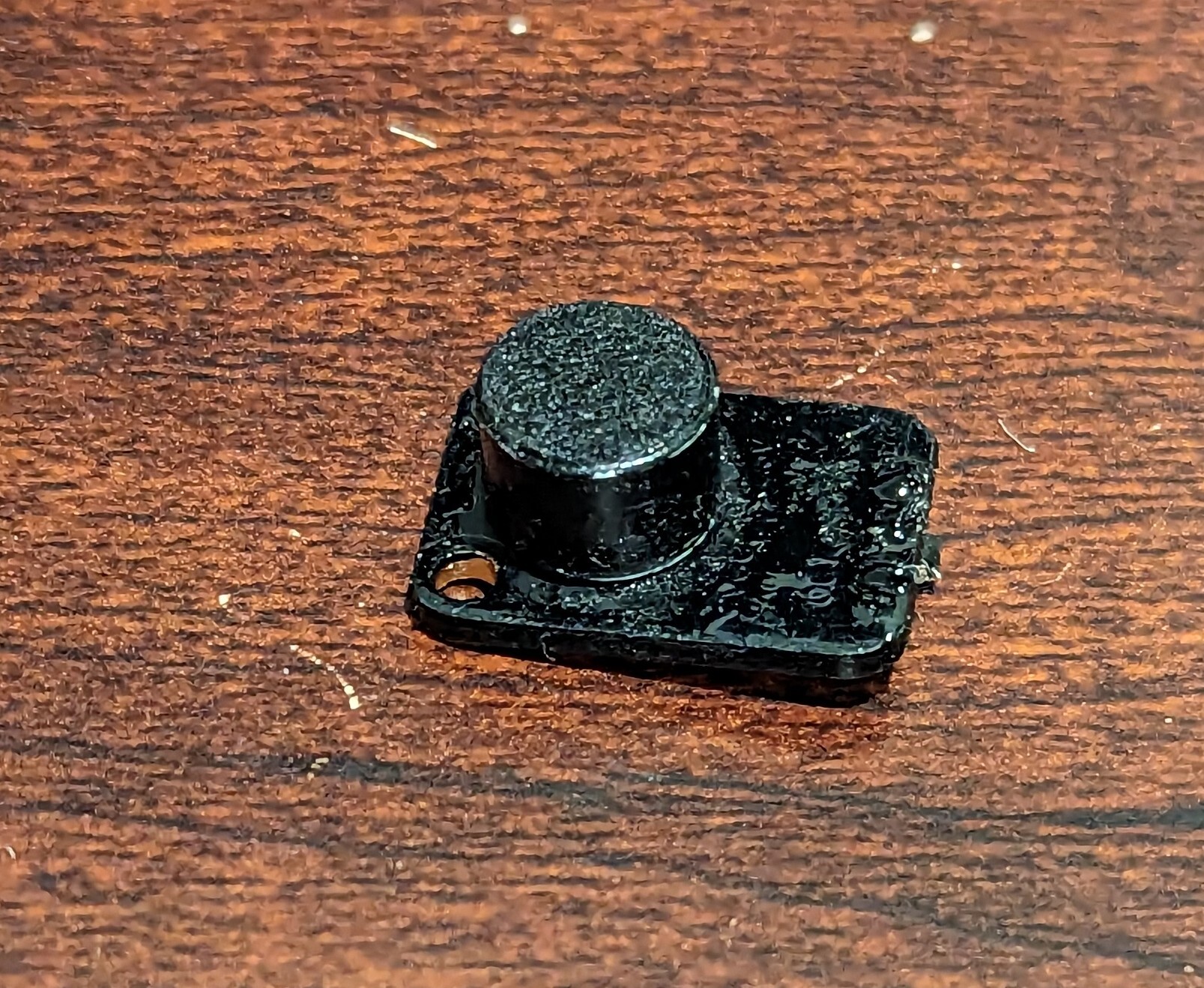
- Copy a whole bunch of code off Adafruit, but the mic doesn't work, turns out, for some reason, my painted mic is broken and always outputs 3.6v. Hurriedly swapped to another mic, unpainted, so it would have to hide under the collar (T-2hrs).
- Still cannot get the mic to work (T-90m). Might as well get static effects working. Got timing on rainbow cycling adjustable from the app, and made sure static color worked.
- (T-60m) it works! Now I actually gotta tie the tie and dress up.
Ampli-Tie backlog pt 2! Day 4, Friday, March 24th. Skipped school and the pressure was on, I have to get something working before tomorrow. I also have UIL this evening and tomorrow morning so just have ~9 to 4.
- painted microphone
- sewing, sewing, and sewing
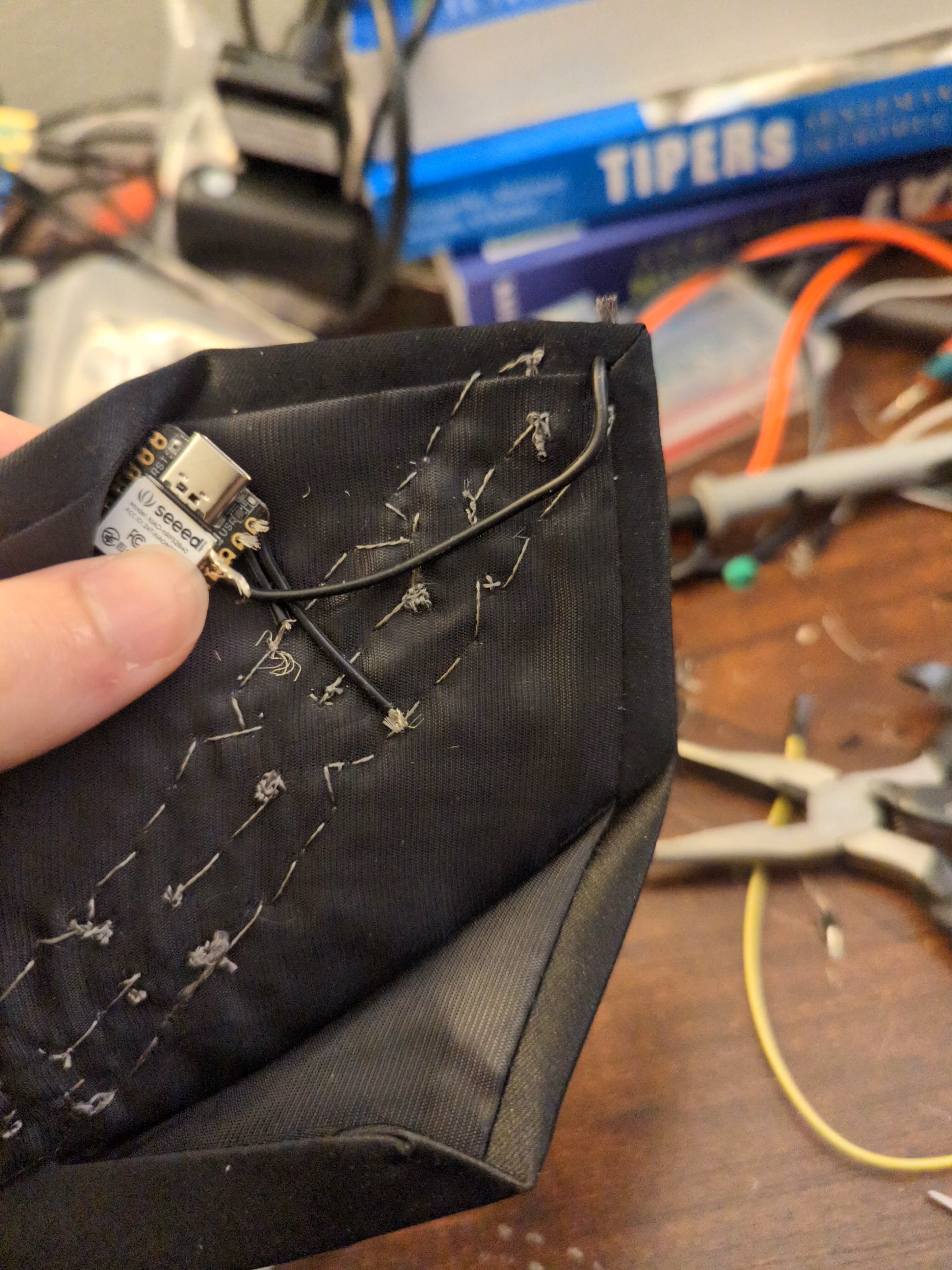
- I made the hard decision of splitting it into two halves, one above the name tag, and one below because connecting them was a nightmare. So, I used a wire to connect them (I got this really nice stranded 24AWG silicone wire that is extremely flexible and blends in perfectly). OTOH, connecting the two halves using an actual wire created a "highway" that reduced the resistance (conductive thread) from the microcontroller to any individual LED).
Ampli-Tie backlog!
Day 3 (March 22) - sewing + acquired fray check to tie up loose ends
Day 4 (March 23)
- Hours and hours of sewing - After having to hold open these tight spaces gimme my surgery license already
- first test, using alligator clips to connect the microcontroller and power 🎉
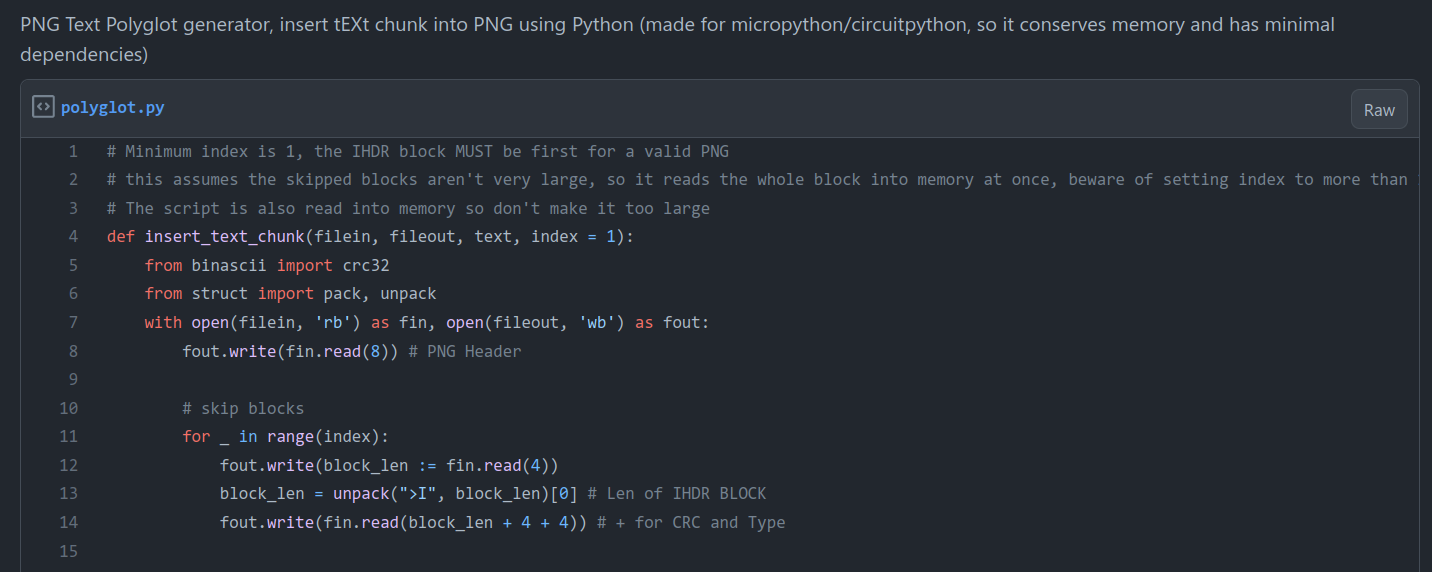
I made a standalone PNG Polyglot generator today. A low dependency, low memory way to hide scripts in PNGs, because it's made to run in CircuitPython.
gist.github.com/karmanyaahm/03025089054fa4568bc47eb14d1aff51
(offspring of winter hardware wonderland #hardware-party Project Oreo)
🎁Custom Ampli-Tie Day 2 - Step 2,3
1. Sizing and learning how to tie a tie
2. Placement tests (fewest lights that'll look decent) - 13 LEDs every 3 cm apart was optimal
3. Harvest Flora NeoPixels from an old non-functional project and then spend foreverrrrrr cleaning them (removing the superglued thread)
4. Ordered microphone and ribbon cable
Custom Ampli-Tie Day 1 - Step 1
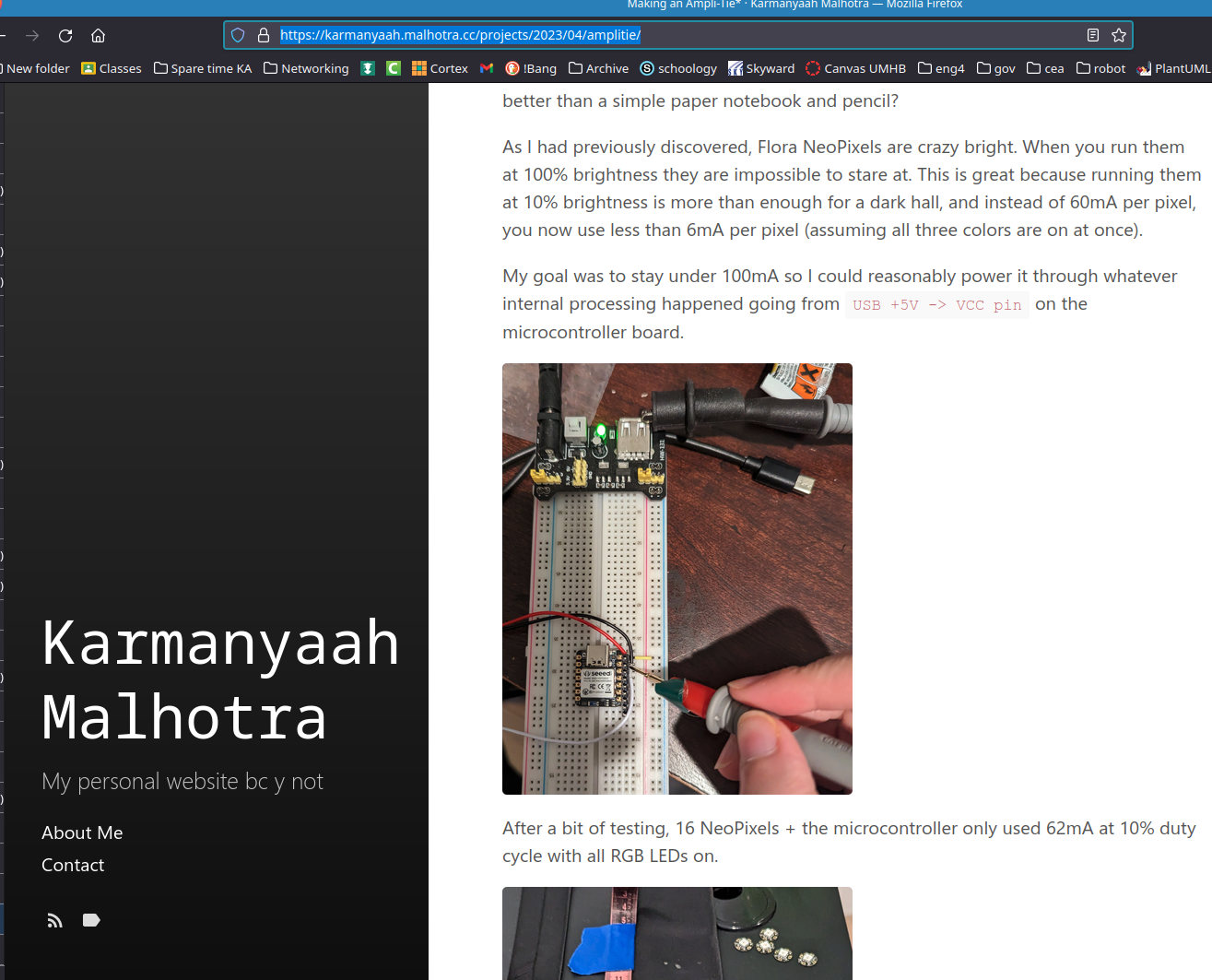
Power consumption testing of 16 Neopixels
(and the start of my real life engineering notebook, thanks #vrc :/)
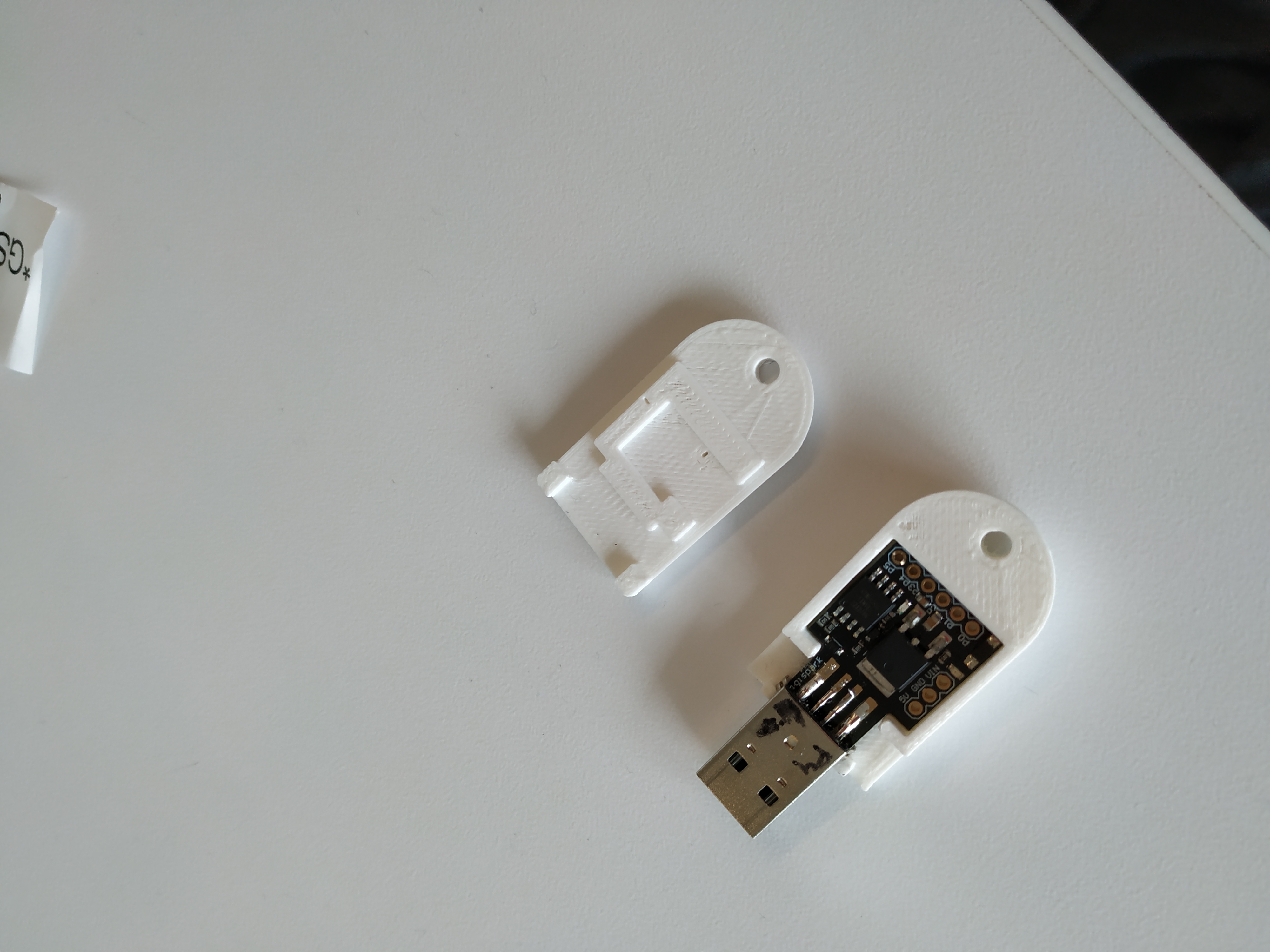
🔔:winter-hardware-wonderland: #hardware-party Day 12 building a custom USB rubber ducky:
Edited a (draft) image and presented on the :winter-hardware-wonderland: 🚢 :emergency-meeting:
:winter-hardware-wonderland: #hardware-party Day 12 building a custom USB rubber ducky:
Edited a (draft) image and presented on the :winter-hardware-wonderland: 🚢 :emergency-meeting:
:winter-hardware-wonderland: #hardware-party Day 11 building a custom USB rubber ducky:
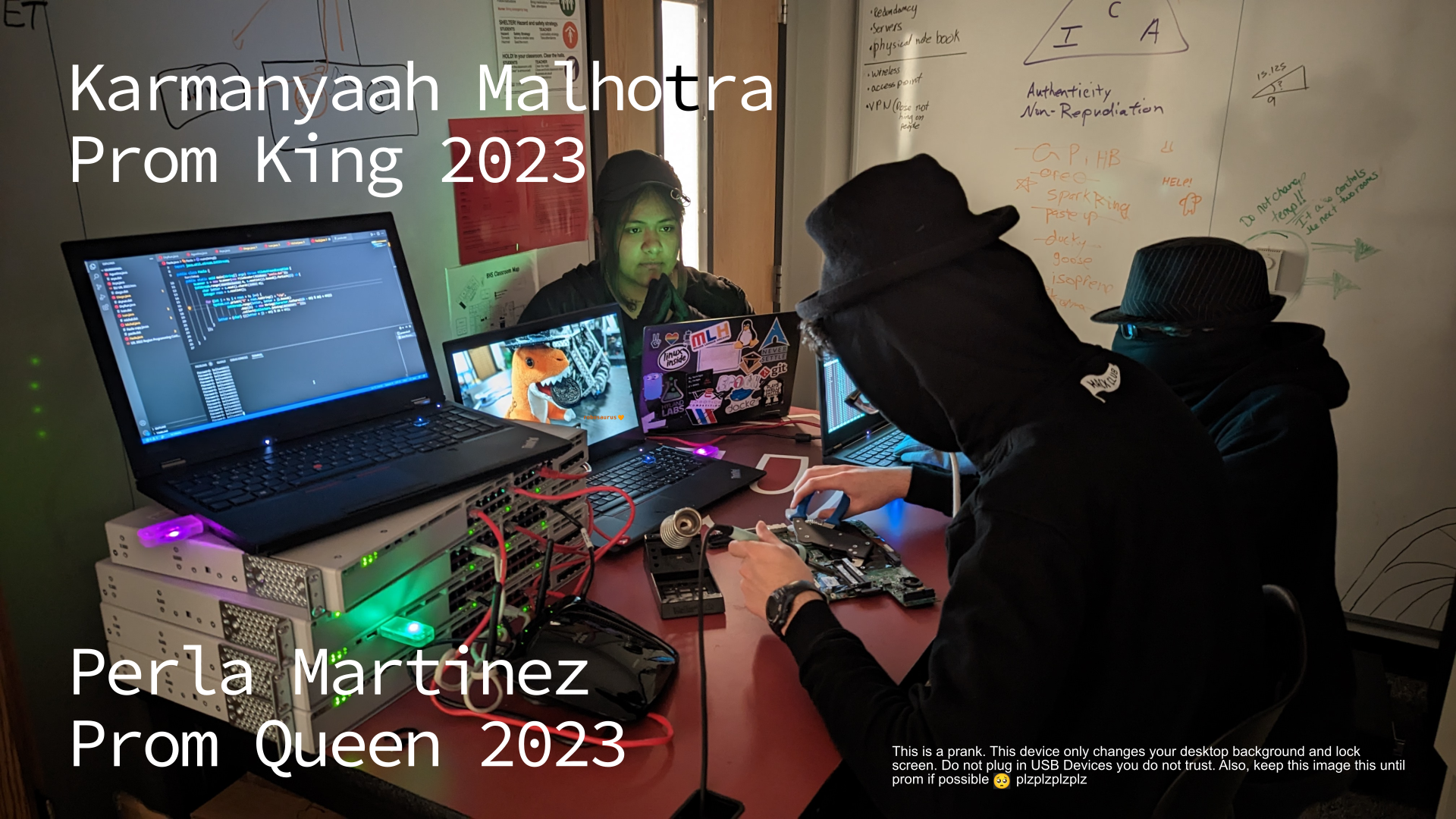
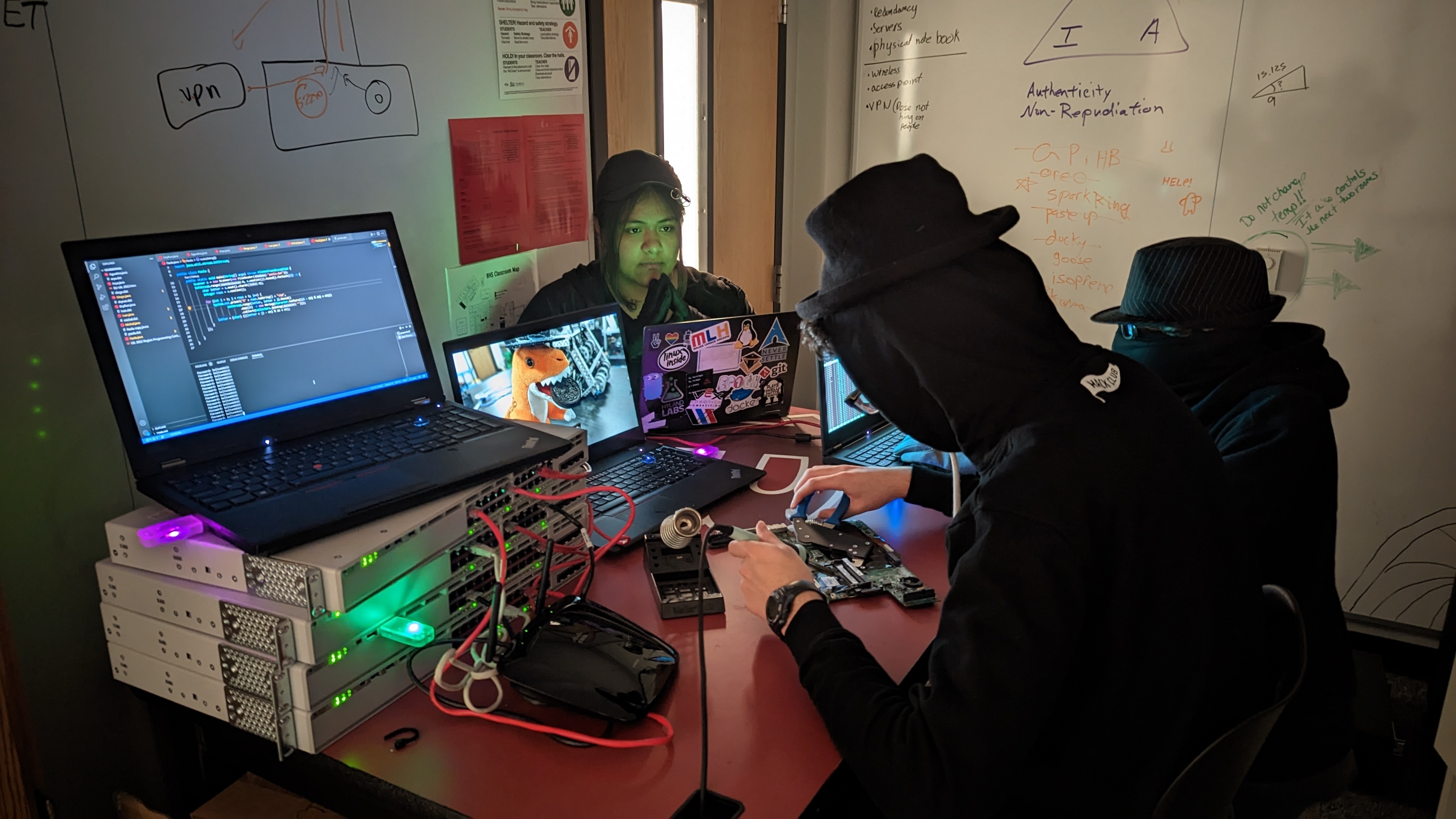
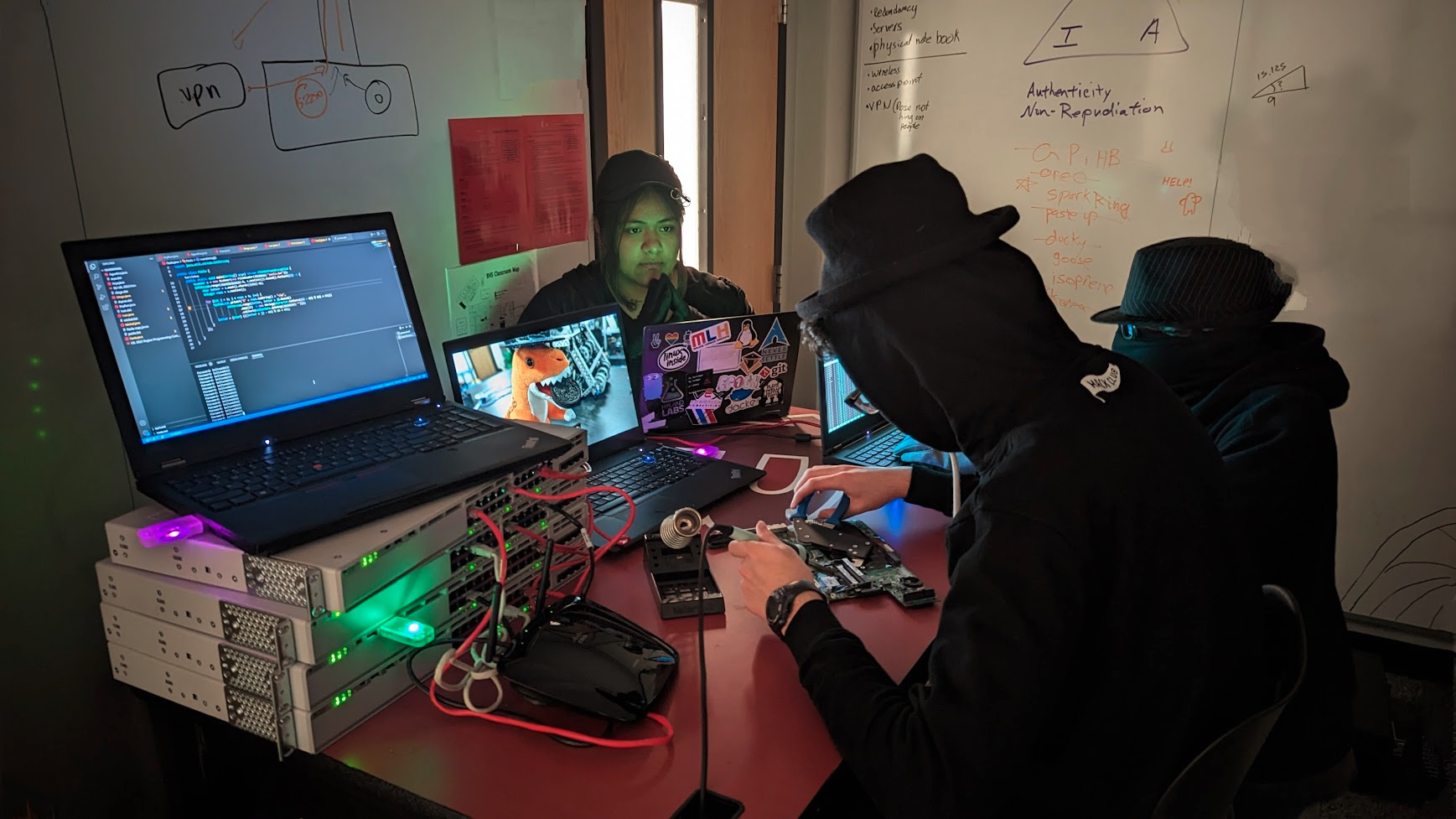
I shot the wallpaper image I will put on people's computers using my rubber ducky and assembled and soldered most of them. Huge thanks to @Jaxzog and my other friends who helped set up this set (it took like 4 hours)
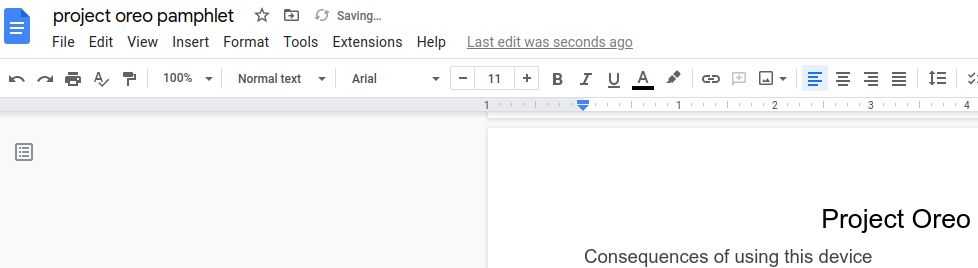
So close! I just need to finish my informational pamphlet, finalize the mac code, and edit the photo.
(I'm in the epoch hoodie w/ the soldering iron (yes, that's a cage nut tool))
:winter-hardware-wonderland: #hardware-party Day 10 building a custom USB rubber ducky:
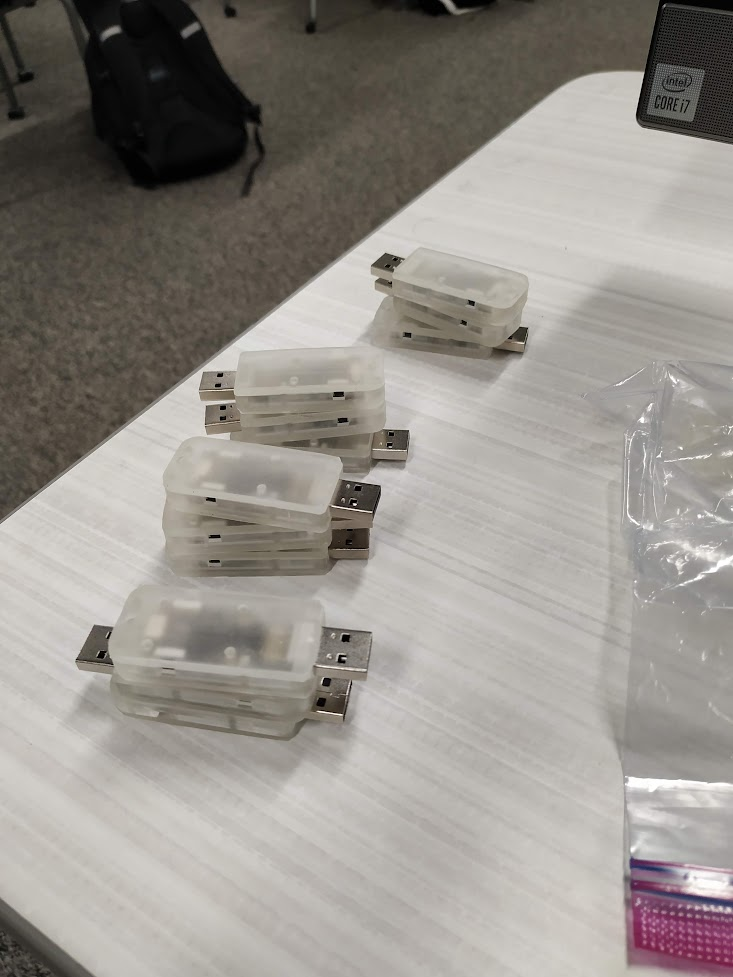
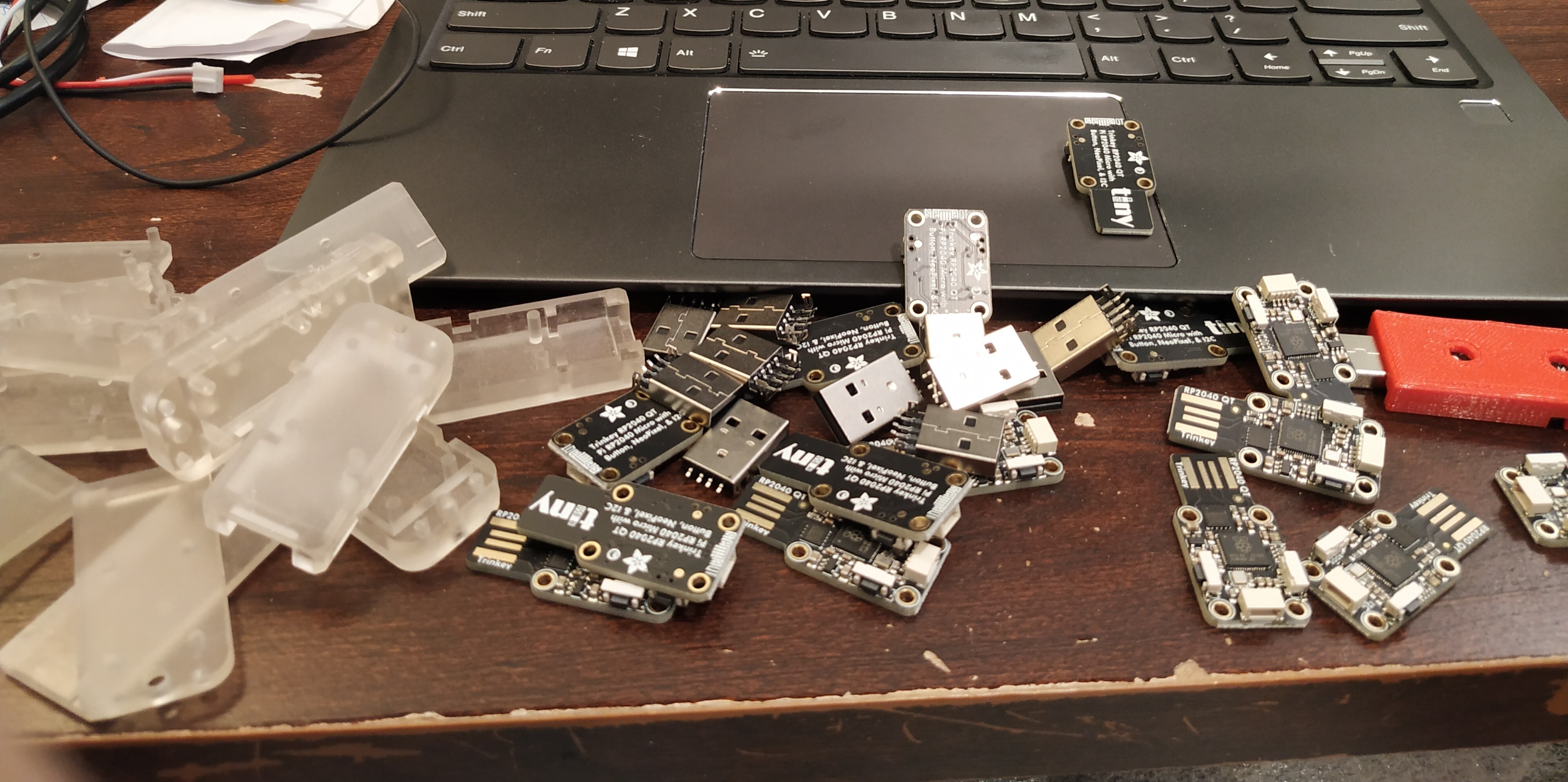
Finally, assembly and soldering 👏. The resin cases are nearly indistinguishable from molded plastic, I'm impressed. The good batches also fit like a(n expensive, high-quality) glove.
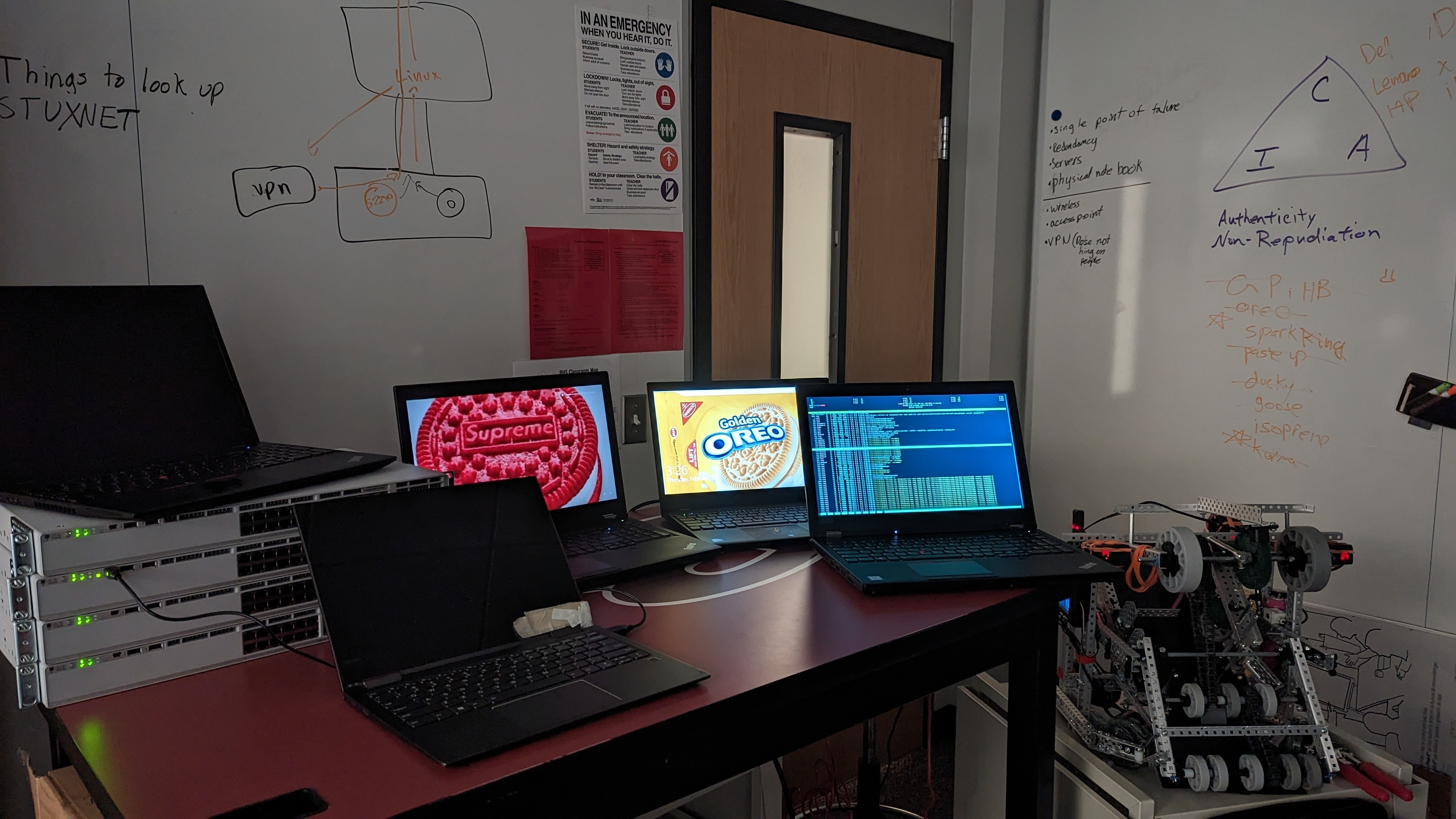
We also set the set for the wallpaper photoshoot at school. Don't have a trench coat, but I'll do my best black hat imitation tomorrow. 🎩
Finalizing both tomorrow.
:winter-hardware-wonderland: #hardware-party Day 9 pt 2 (lost count) building a custom USB rubber ducky:
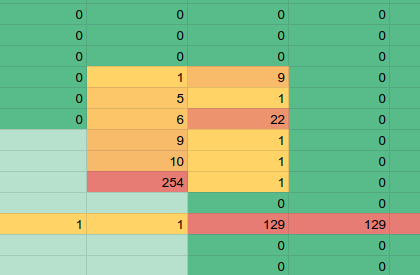
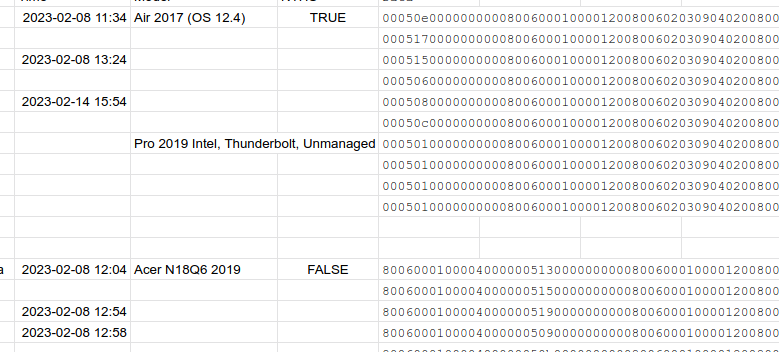
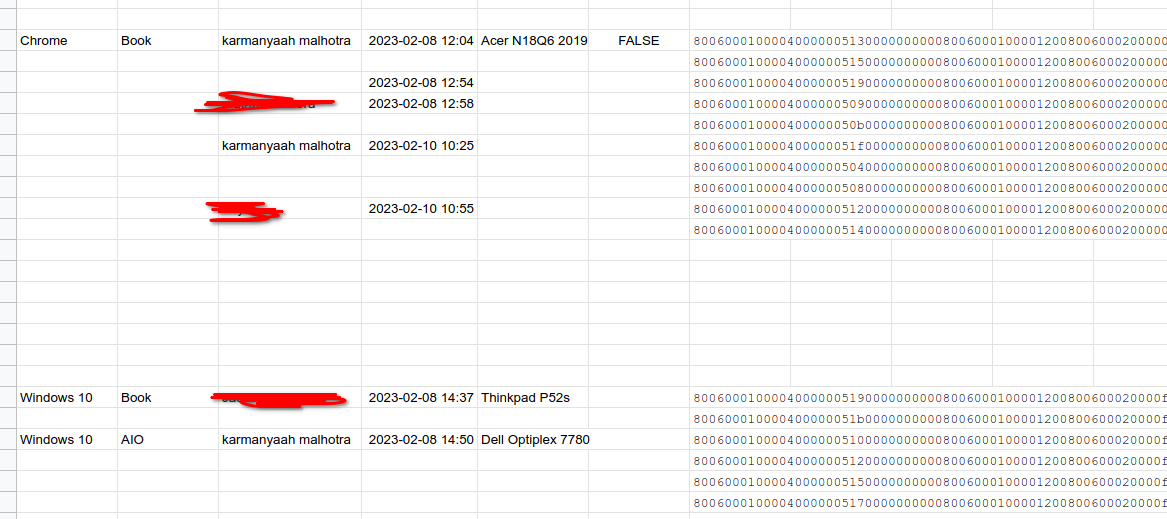
I don't know how Hak5 does their thing, but I got the full fingerprint from Windows and frequency charted the bRequest values, and there aren't more than 2 Configuration params (8 and 9). Maybe I was looking at the wrong value, or parsing it wrong, but I'll just stick with my old working method.
:winter-hardware-wonderland: #hardware-party Day 9 building a custom USB rubber ducky:
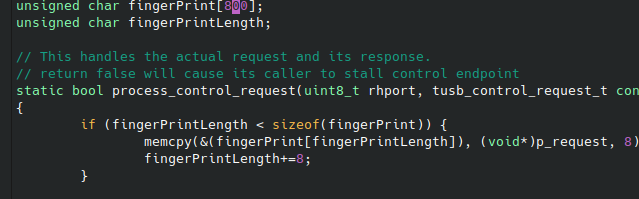
Trying longer fingerprints to copy HAK5's number of configuration descriptor-based detection, and I realized I'm dum dum
The setup transaction wasn't just ~250 bytes, I was using a char-based counter, which must've been wrapping. Oh, C.
:winter-hardware-wonderland: #hardware-party Day 8 building a custom USB rubber ducky:
Not much material progress today, but me and @Jaxzog brainstormed ideas for the image to set the wallpaper to.
I also got started w/ an instruction manual/explanation for if someone overreacts to being pranked.
:winter-hardware-wonderland: #hardware-party Day 7 building a custom USB rubber ducky:
@KaiZheng-U049N5Y0WM9 shipped my cases today ❤️!!! (Yes also the UPS people spelled my name wrong)
I asked @reesericci for help testing the Mac version of my script at the Austin Central Library. They have computers that reset everything, including permissions, which helps test how the script will behave on new never-used-the-terimnal computers. Thanks reese!
(Deleted and reposted for...reasons)
:winter-hardware-wonderland: #hardware-party Day 6 building a custom USB rubber ducky:
@KaiZheng-U049N5Y0WM9 printed some cases today!!!
:winter-hardware-wonderland: #hardware-party Day 5 building a custom USB rubber ducky:
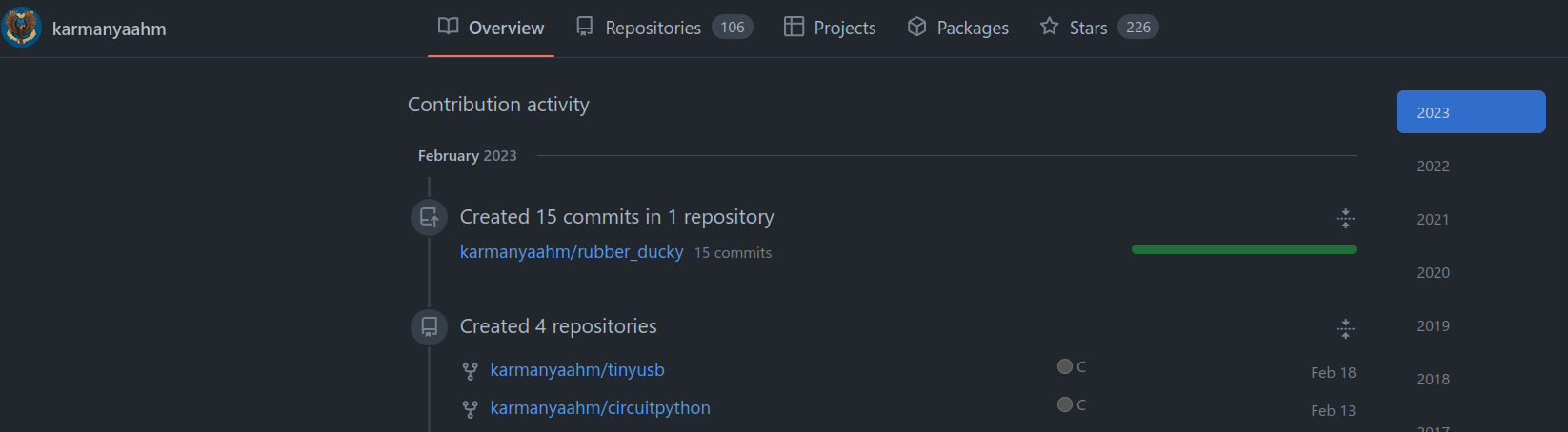
Open Sourced all the code I worked on yesterday on GitHub: rubber_ducky, circuitpython, and tinyusb. Next step is to make it upstream-able.
Also sped up the Windows Powershell payload with @Jaxzog, and made it hide in the background. If anyone has any ideas on how to make this shorter/faster, I'd love to hear it (powershell experts :pleading:)! github.com/karmanyaahm/rubber_ducky/issues/1#issuecomment-1435768480
Day 4 of Winter Hardware Wonderland :winter-hardware-wonderland: , #hardware-party building Project Oreo, a custom USB rubber ducky:
Core software finally integrated!!!!! (unoptimized tho)Day 4 of Winter Hardware Wonderland :winter-hardware-wonderland:, #hardware-party building Project Oreo, a custom USB rubber ducky:
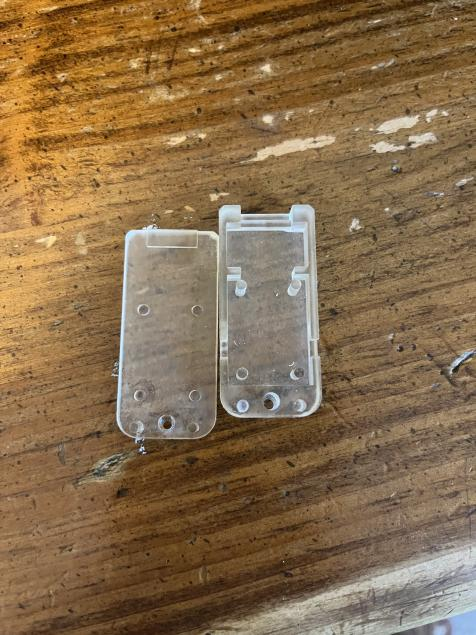
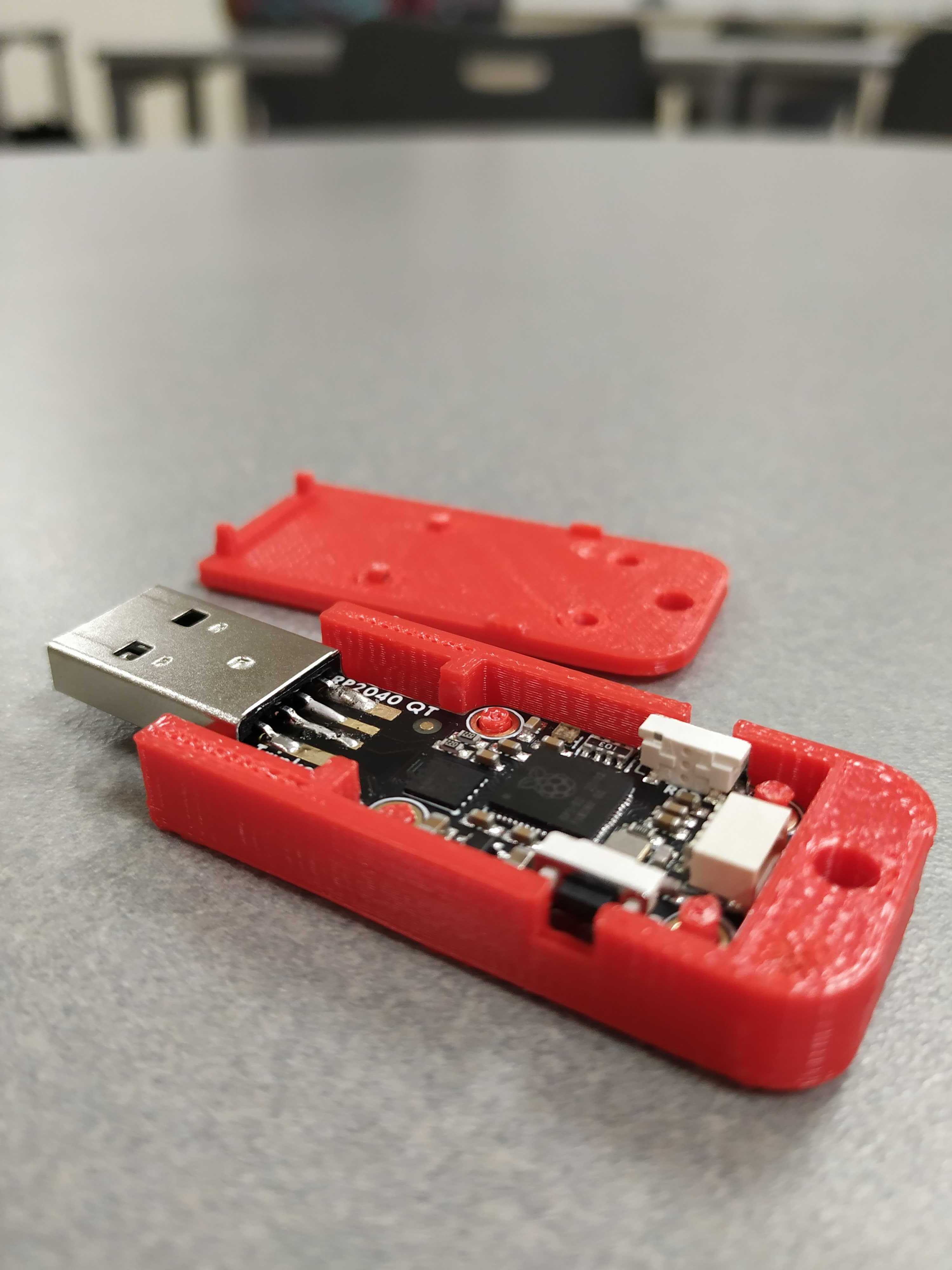
the 3d printed case prototype. Just need a couple of minor changes before finalization
Day 4 of Winter Hardware Wonderland :winter-hardware-wonderland: #hardware-party, building Project Oreo, a custom USB rubber ducky:
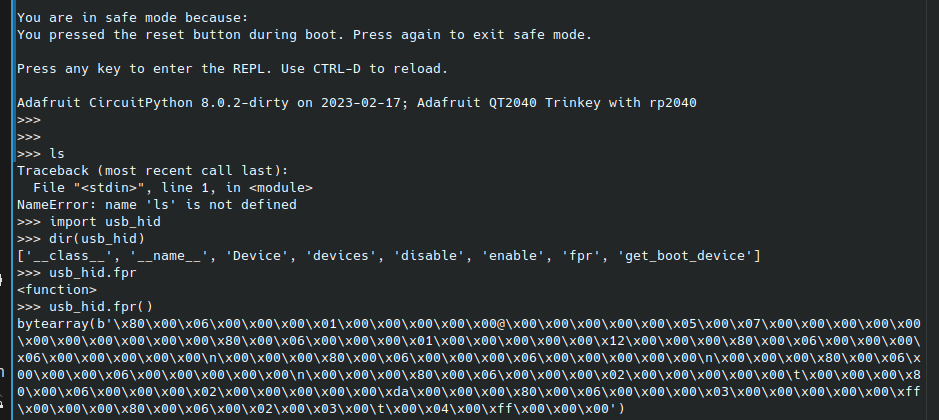
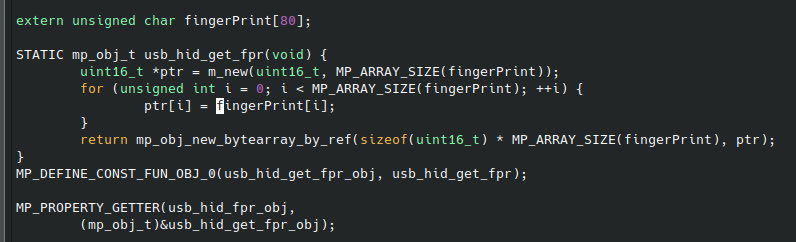
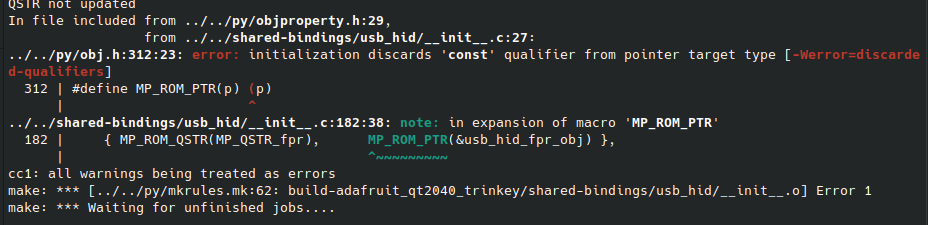
I fixed the pointer const issue by literally just adding a (void*) and now I'm getting fingerprints!!!!! (I need to change uint16 to uint8 but I'm very excited) Woo!!!!!
Day 3 of Winter Hardware Wonderland :winter-hardware-wonderland:, building Project Oreo, a custom USB rubber ducky:
I got some sick renders of the case (Inventor Ray Tracing). Hopefully the prototype print tomorrow is successful, then I can send it to @KaiZheng-U049N5Y0WM9 🤞
On the software side, I have the core code (capture the first 10 setup packets and make a python function to receive them). It just doesn't work 😦. TODO Debug
Day 2 of Winter Wonderland #hardware-party :winter-hardware-wonderland:, building Project Oreo, a custom rubber ducky.
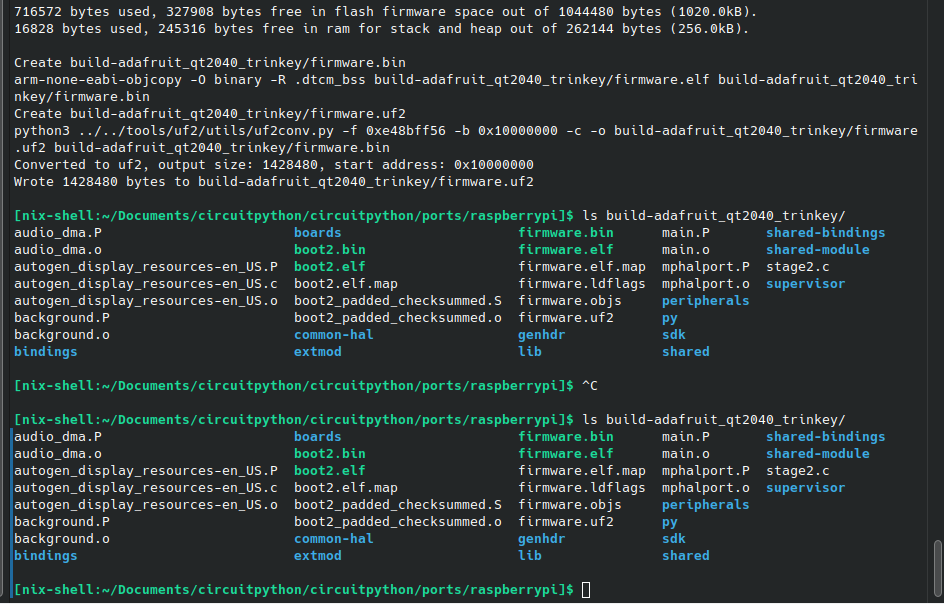
On the software side, I got CircuitPython building in a Pure Nix Shell. Turns out, some Python libraries are built using flint instead of setup.py. Thankfully, there's a mode in Nix to handle that. I can now modify the code that ships with a UF2 by default, making deployment just a one-file-copy (very important when you have 20 of something).
Next steps: Look at Micropython manifests to figure out how to include data/image files in the UF2. Track the received setup packets (host fingerprint), and make a function to transmit those to Python from C.
On the Hardware side, my friend designed and 3d printed the first prototype of the case at school. It doesn't quite fit (see USB Port area), so needs a second prototype.
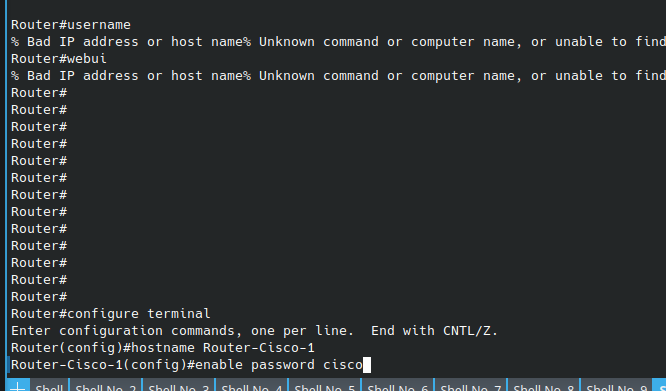
🎒My school got 5 4331s and 10 9200L-24t-4G-Es from Cisco and I'm in charge of setting up the first one :partyparrot: with no Cisco experience whatsoever (except teacher's help who is CCNA)
Day 1 of Winter Hardware Wonderland :winter-hardware-wonderland: :
1. Collected even more USB Setup phase fingerprints with my old Digispark-based device. Now I just need two types of teachers' HP Laptops and M1 Macs.
2. Building Circuitpython is haaaaaaard. The crazy dependency management is the primary reason I hate embedded things. Maybe I should Nix this...
3. @KaiZheng-U049N5Y0WM9 agreed to 3d print my cases and ship them to me ❤️. I need to hurry up on finalizing the design so they get here on time.
Making a better open-source USB Rubber Ducky with OS Detection www.youtube.com/watch?v=FbiJCnHBr70&list=PLxlDG2SH_6rvZrNAuVXI0BIdv7MWvkMNm
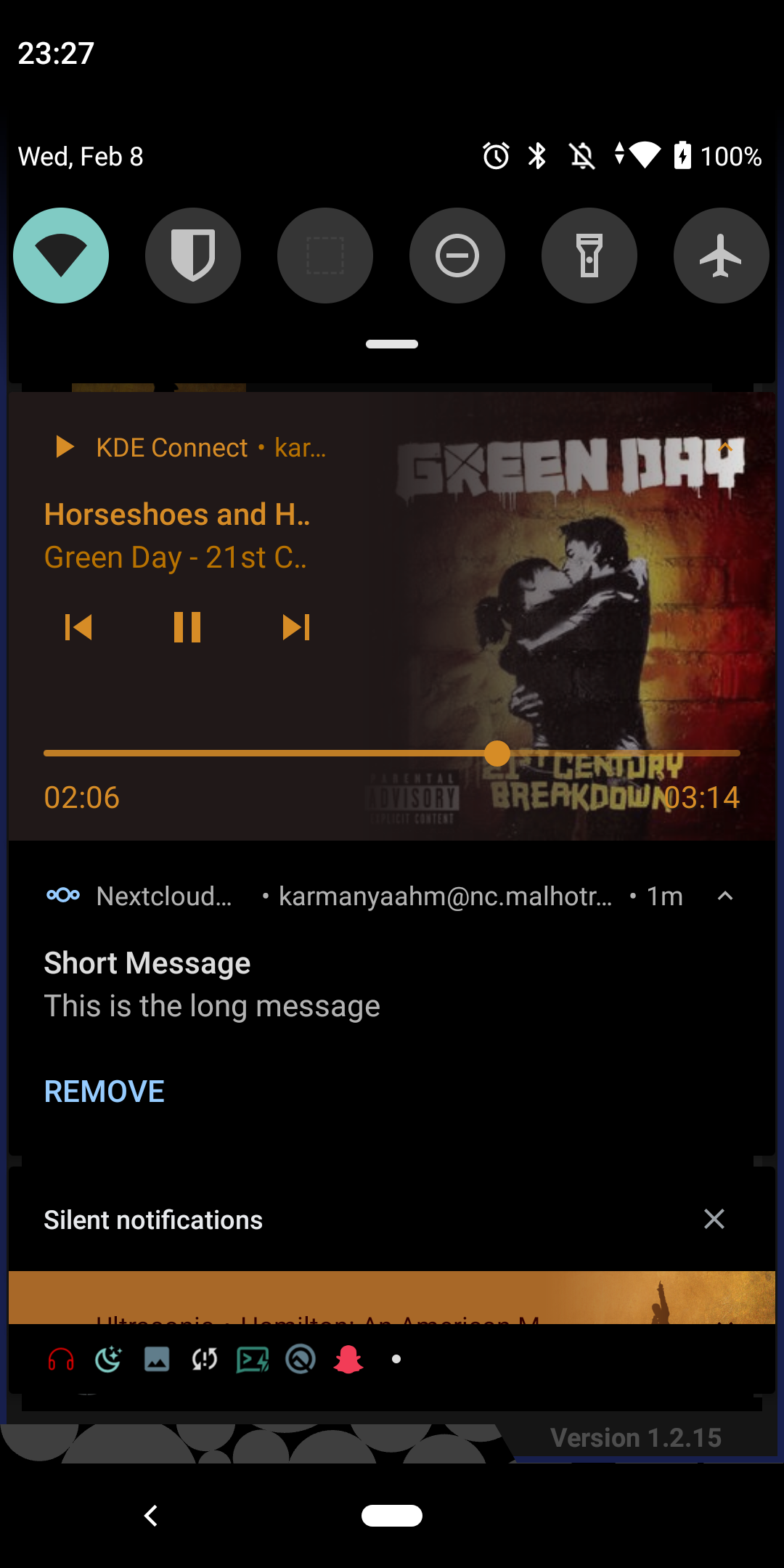
Did someone say push notifications in the FOSS F-Droid version of Nextcloud?
Edit to clarify: [email protected] has been working on a version of Nextcloud that supports UnifiedPush. Originally, we thought it would need a gateway (a server that converts between push formats) to function. However, reading through the Nextcloud code, I realized that they don't have any URL normalization, they just append "/notification" to the provided URL (caused the need for a gateway in the first place). So, I realized, we could just add a "#" to the end of our push URL, like ntfy.sh/upABCDEFGH?up=1#, then, Nextcloud will send notifications to ntfy.sh/upABCDEFGH?up=1#/notification, which is effectively our original URL! (Stuff after # is ignored).
One of the most useful (benign) injection attacks I've ever come up with.
Boom! No gateway Nextcloud UnifiedPush: github.com/nr23730/nextcloud-android/pull/1/files
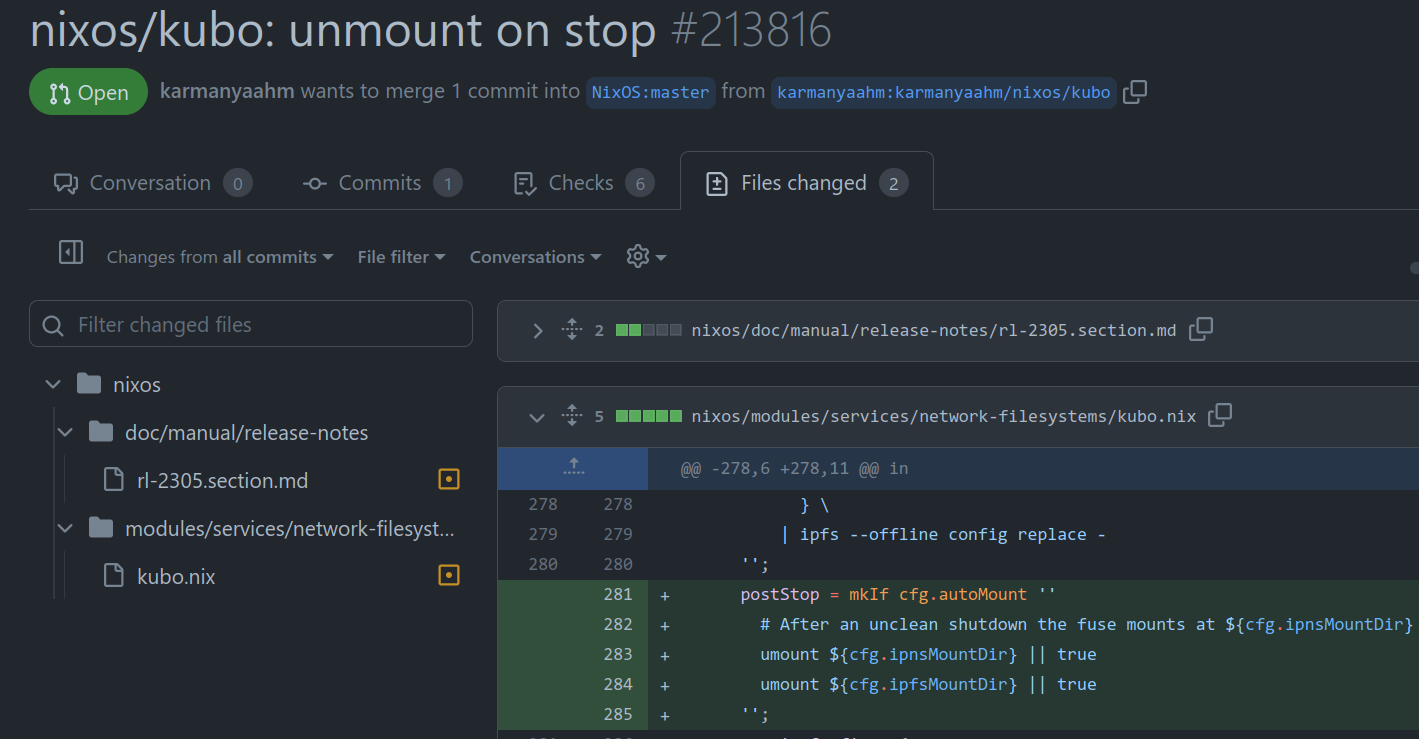
mmmm Nix. Moved my website to my new NixOS IPFS Caddy server running on Hetzner with vastly better reliability than my previous Ubuntu/Oracle Free tier server. github.com/karmanyaahm/nixos-ipfs-caddy-web-server
Image pre-cache/post-cache
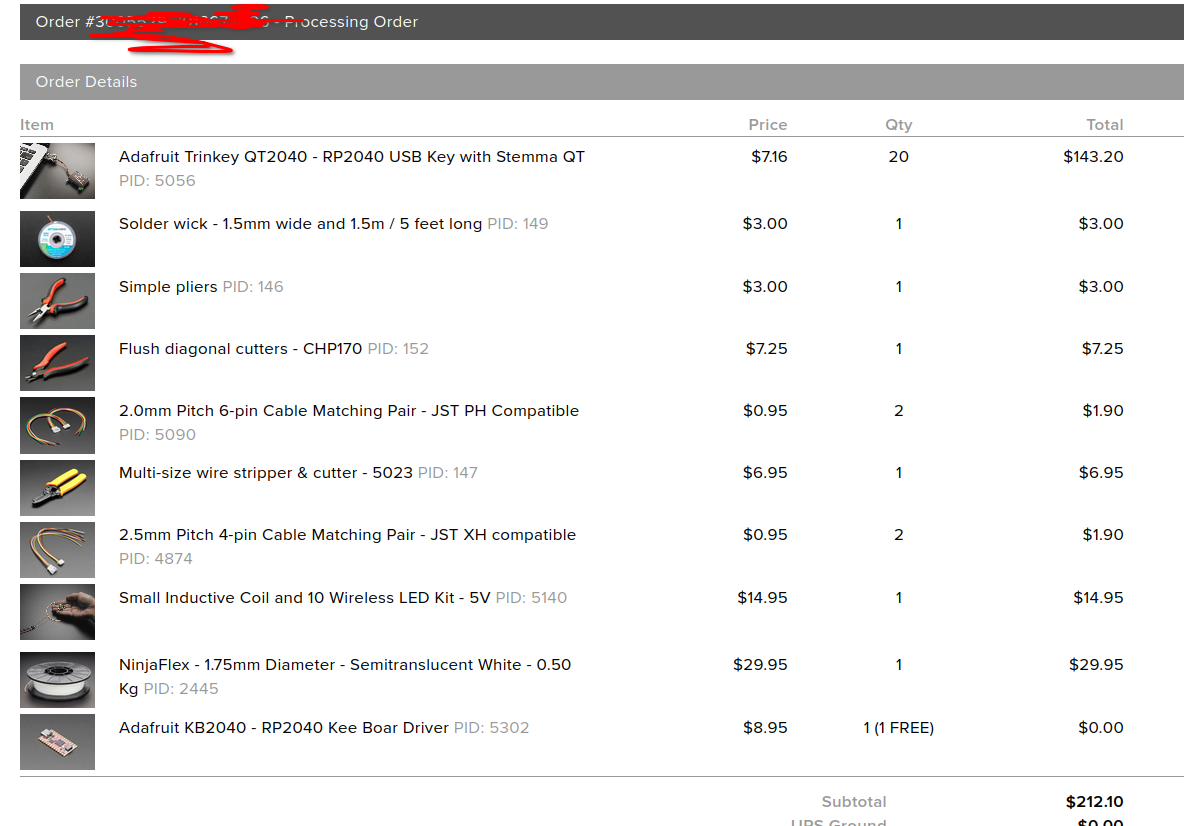
Ordered winter wonderland supplies! (and a little something for myself, donating money to bank) bank.hackclub.com/project-oreo
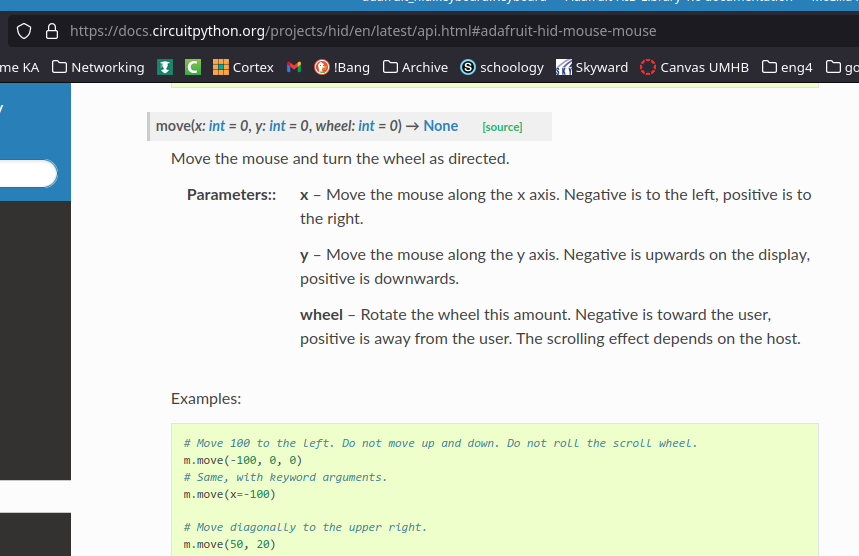
my USB Rubber Ducky scripts can block mouse movement with a repeated mouse.move(x=-100,y=-100)
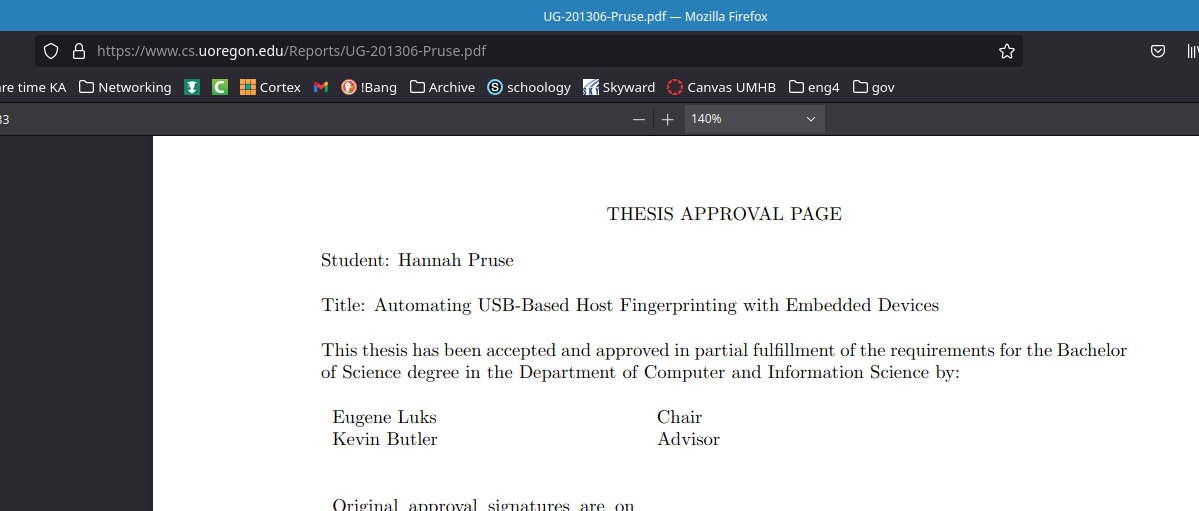
🐭Some reading... (slack is being stupid and not showing my image for some reason)
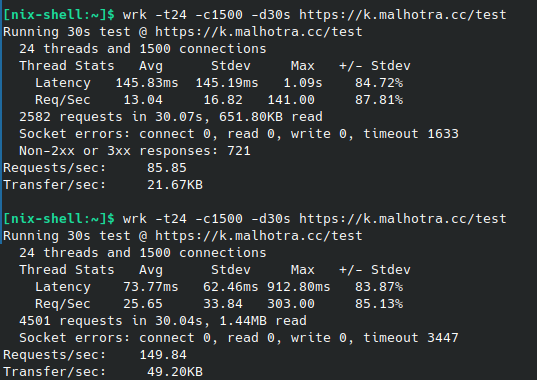
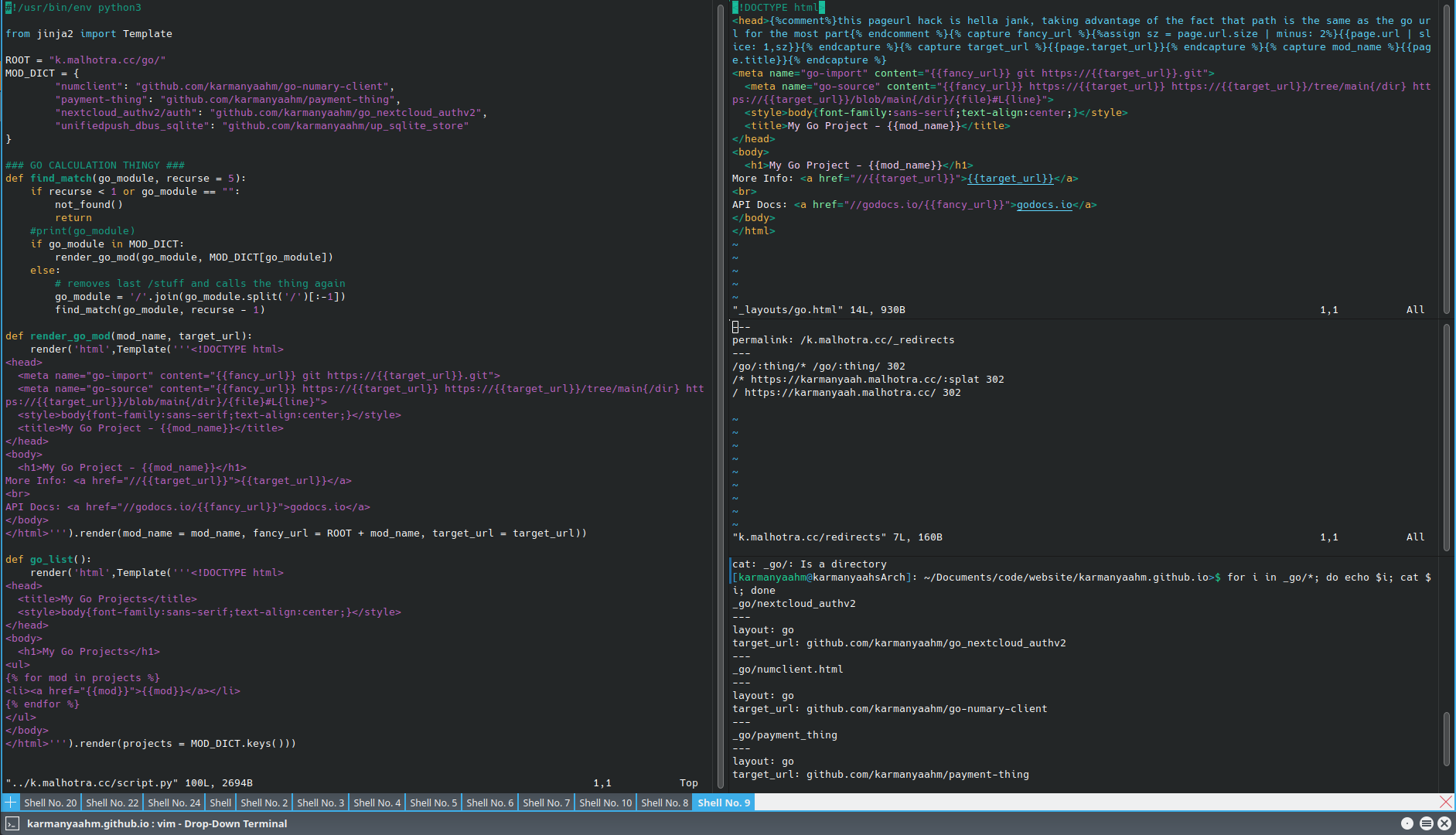
Migrated k.malhotra.cc, my URL shortener and Golang vanity URL thing, from a dedicated CGI python service to a Jekyll collection and some IPFS redirects under my main website, one less thing to build and deploy.
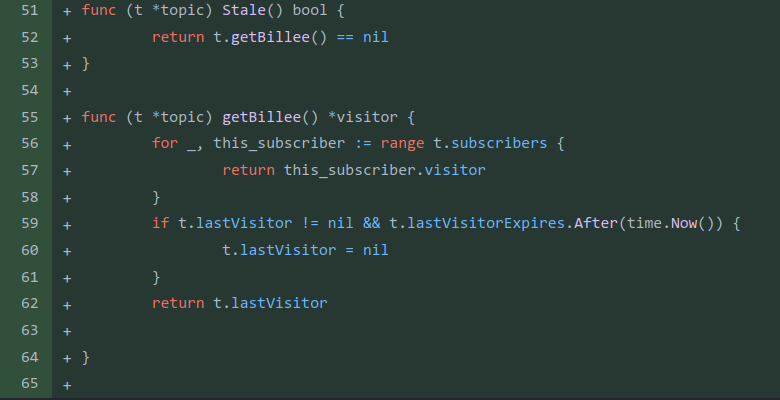
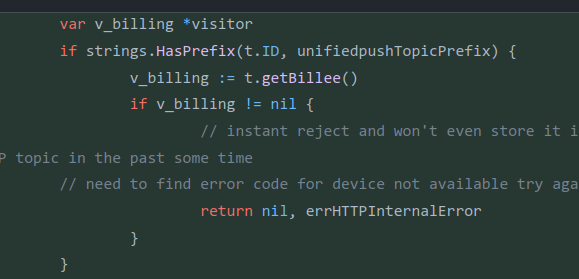
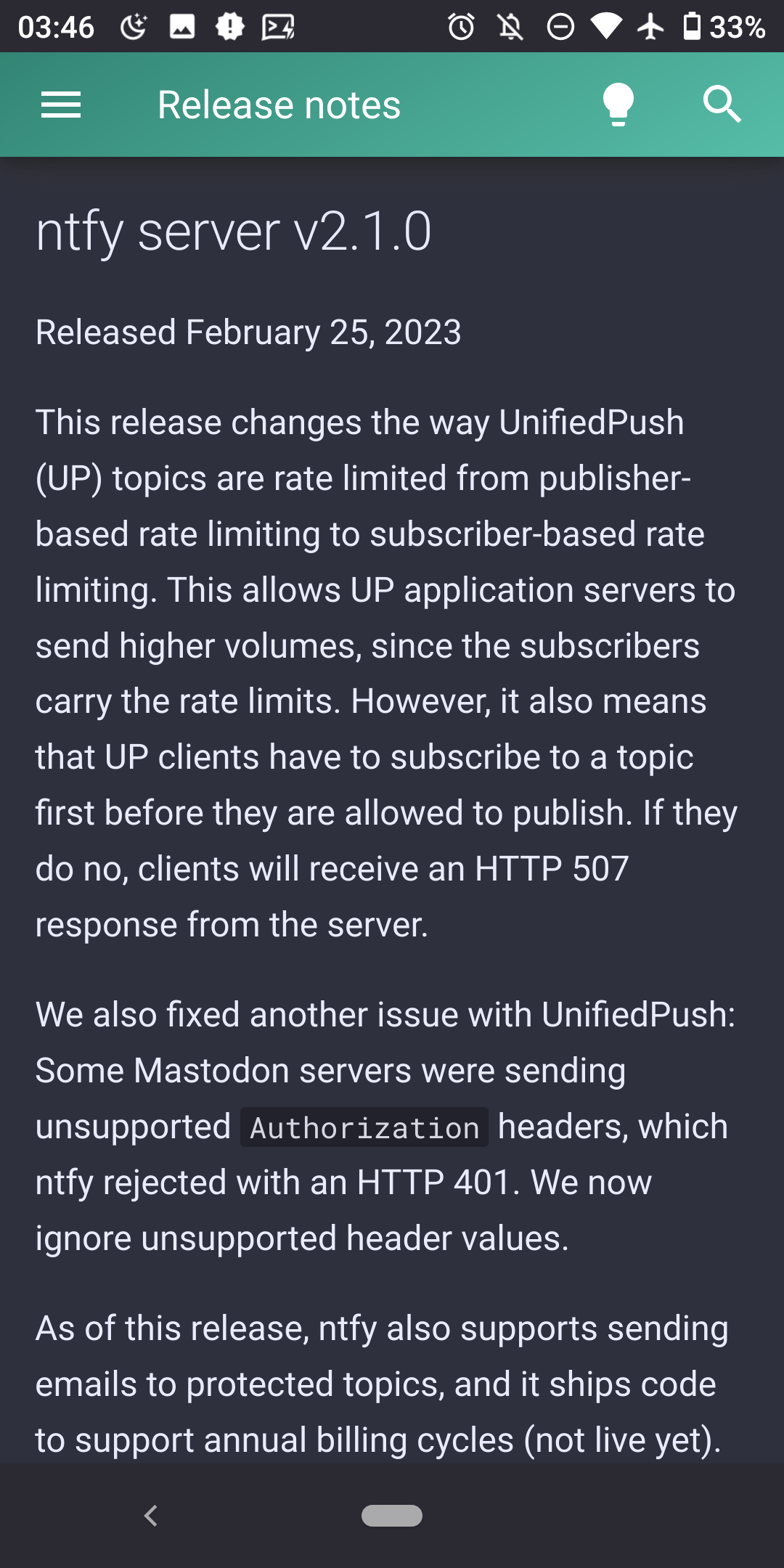
The first draft of redoing rate limiting for UnifiedPush in ntfy. This makes rate limits for UP topics count toward the receiver (phone) rather than the sender (large application server sending to a lot of people). This will remove the need for rate limit exception lists managed by hand.
github.com/binwiederhier/ntfy/pull/584









 📹
📹














 🤖
🤖


 👍
👍
















 🔔
🔔